Change intake and classification
Capture the affected service, business reason, planned window, owner, risk, dependency, and customer impact before a change is scheduled.
FREE CLAUDE & CODEX PLUGIN TEMPLATE
A real SOT-based IT Change Management System PRD template connecting change request, impact analysis, and implementation-plan submission, change, service, risk, approval, and deployment-status lookup, risk assessment, change review, approval, implementation, and rollback verification, change success, emergency change, and failure-cause reporting.
View source on GitHub · MIT licensed
USE CASE
Teams designing an internal operations system for engineering or operations employee requesting a system change and it change and service operations coordinator
CONTENTS
VIBESPEC VIEWER
Each screen is generated from the public SOT included with this template.
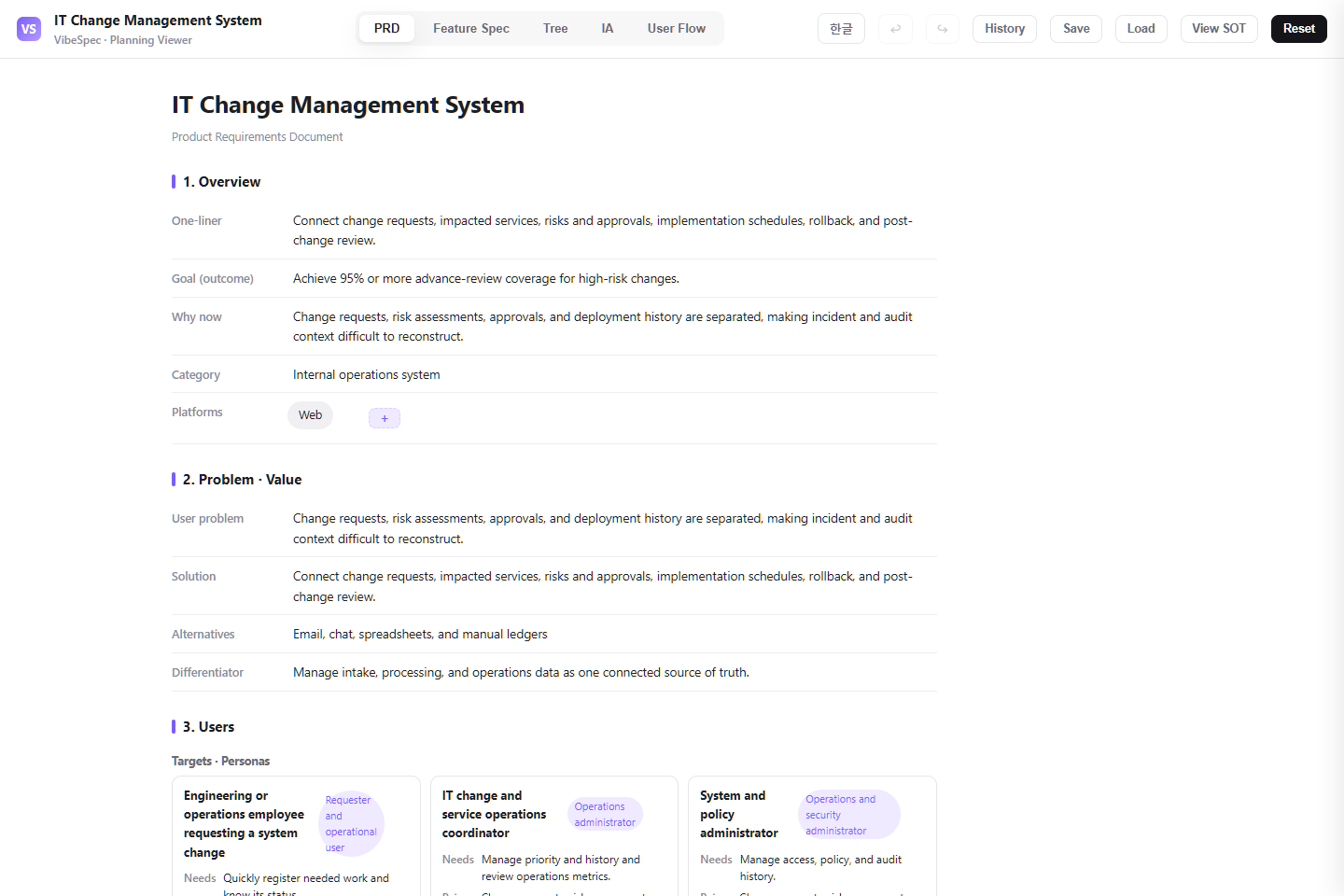 Open this screen in the live demo
 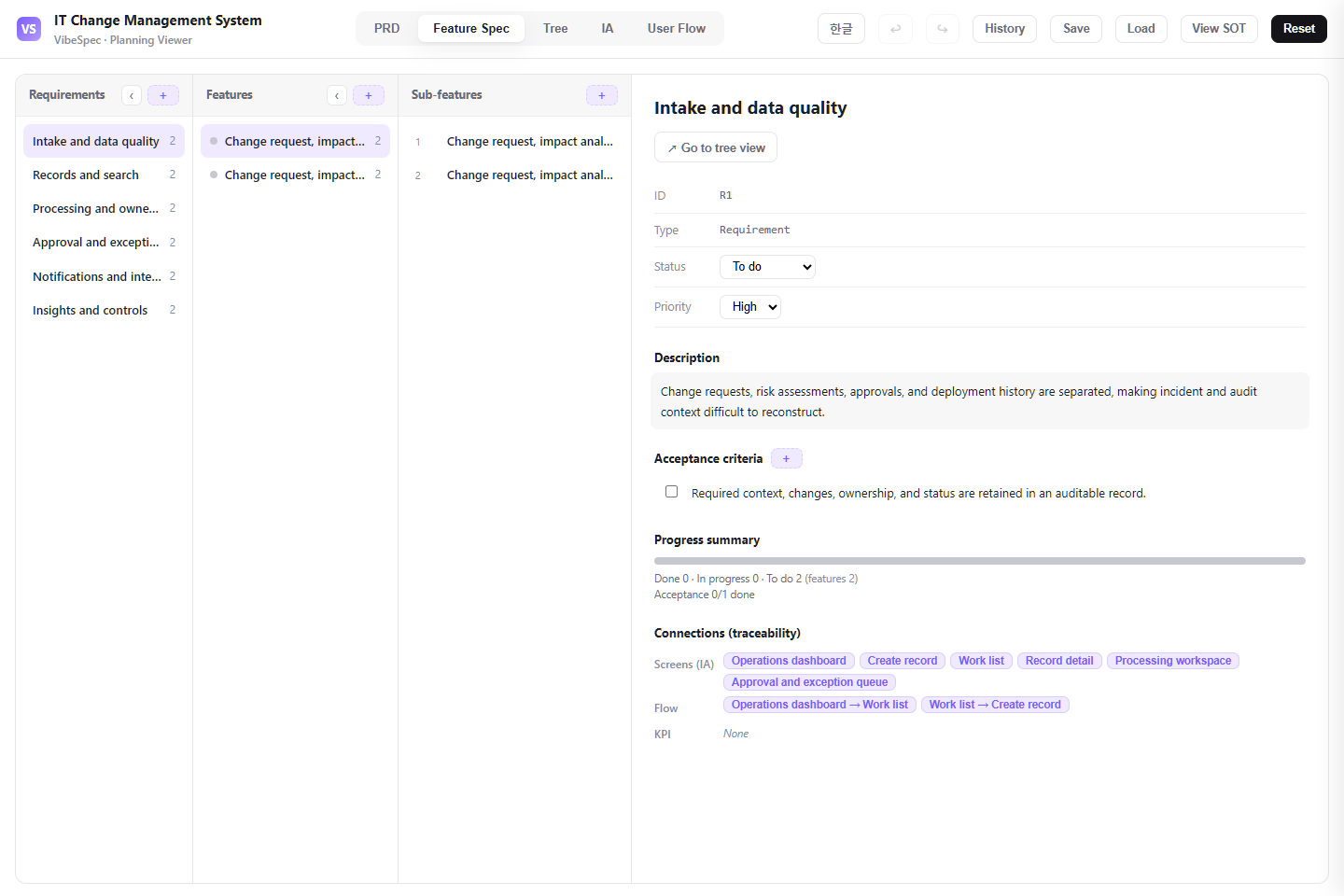 Open this screen in the live demo
 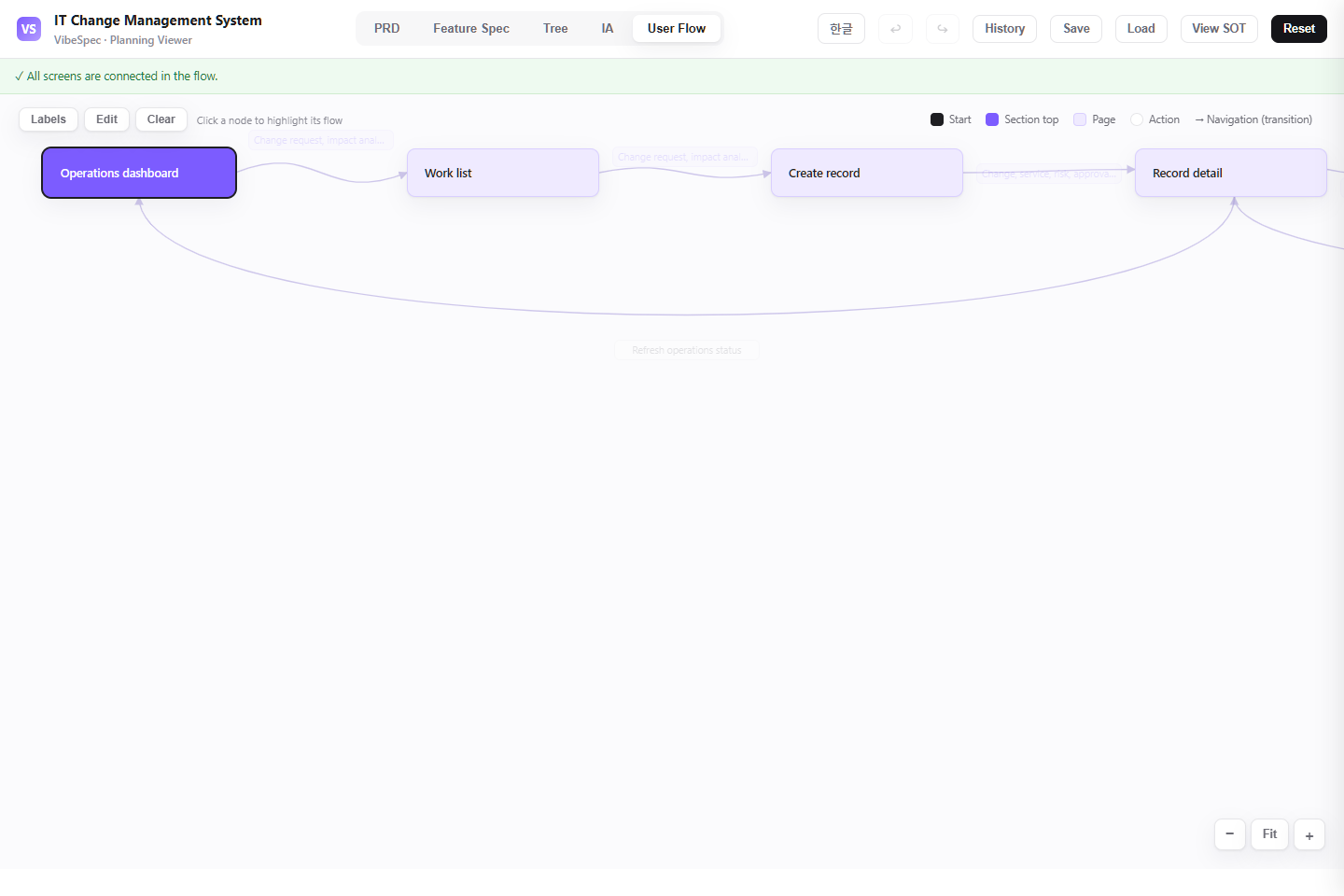 Open this screen in the live demo
 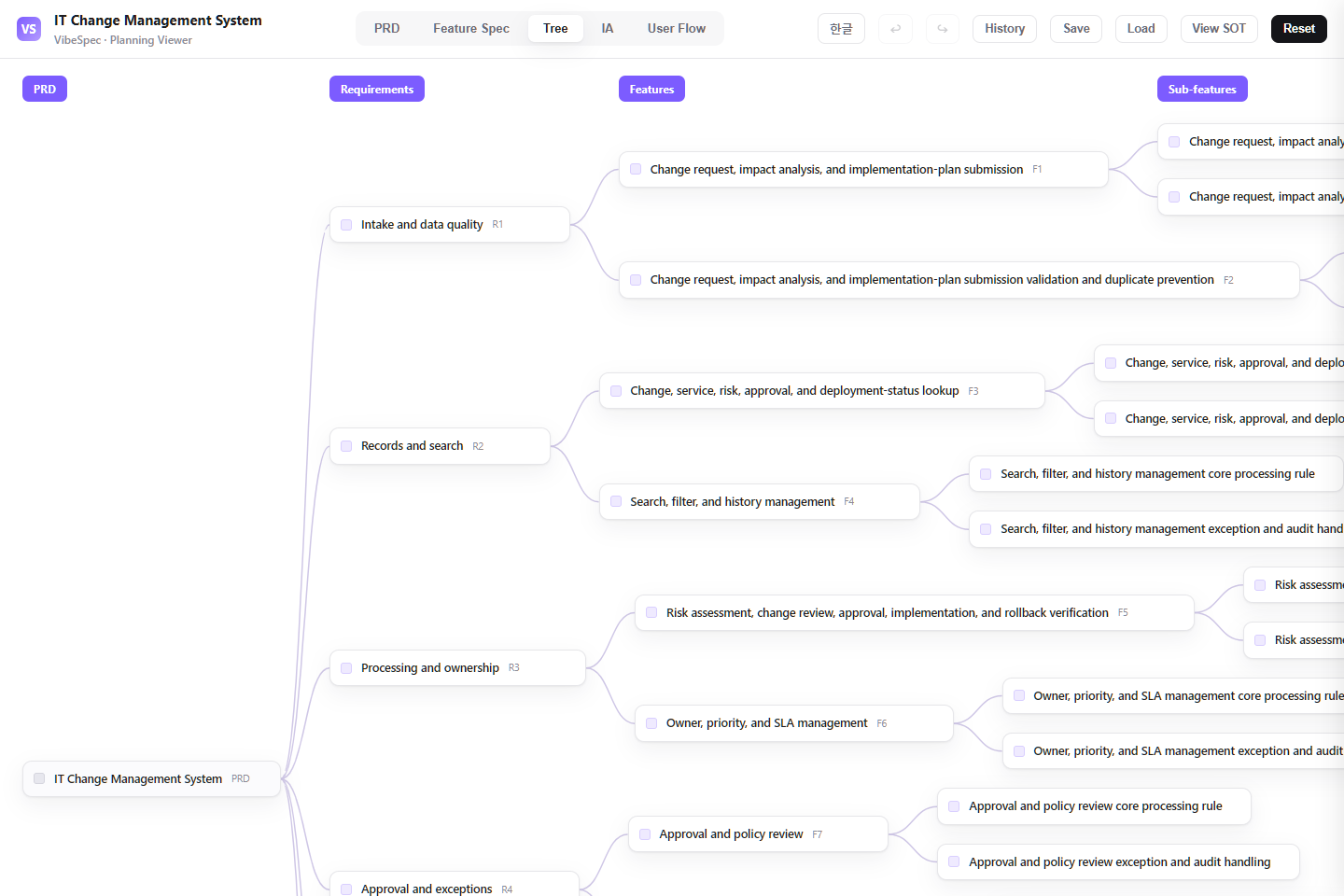 Open this screen in the live demo
 PRACTICAL GUIDE
Safe delivery needs more than an approval queue. This SOT connects change requests, service impact, risk, approval, implementation windows, validation, rollback, and audit evidence so teams can ship change without losing operational control.
Capture the affected service, business reason, planned window, owner, risk, dependency, and customer impact before a change is scheduled.
Assess technical, security, compliance, customer, and rollback impact with evidence that reviewers can challenge or approve.
Route normal, standard, emergency, and high-risk changes through the right authority, with a clear implementation owner and communication plan.
Record pre-checks, execution results, monitoring evidence, rollback decisions, and post-change review so the service history remains explainable.
The download opens in a browser without setup. Compare the PRD, feature specification, screen structure, and user flow with the work your team does today.
Define standard versus emergency change criteria, risk thresholds, approval authority, maintenance windows, validation evidence, and who may invoke rollback.
Attach the SOT JSON in Claude or Codex with the VibeSpec plugin and describe the change in plain language. VibeSpec keeps requirements, features, screens, and user flows connected.
Separate pre-approved standard work from normal and emergency changes, then define the evidence and approvals that each path really needs.
Require a rollback owner, trigger, deadline, and communication plan before implementation rather than treating rollback as an afterthought.
Decide when a failed change creates an incident, how release records link to changes, and who closes the operational follow-up.
Add change-advisory review, conflict detection, blackout windows, and stakeholder calendars as a controlled extension.
Connect deployment status, test results, approvals, and rollback commands while keeping the change record as the audit source.
Track failure rate, emergency-change ratio, rollback frequency, and risk patterns by service and team.
Adapt this change-management plan for our organization. Ask about change types, risk thresholds, approvers, windows, validation, and rollback rules; then update the SOT together.Reduce this system to request intake, risk review, approval, scheduled implementation, validation, rollback record, and audit history. Move CAB and CI/CD integration into separate initiatives.Create a deployment-evidence initiative with pipeline status, test results, approval checks, rollback signals, and a link back to the governed change record.Yes. The complete HTML opens in a browser for review and sharing. To adapt the plan, attach the SOT JSON to Claude or Codex with the VibeSpec plugin and describe the change in plain language.
It includes change intake, impact and risk review, approval, implementation control, validation, rollback, and audit evidence for safe operational delivery.
The HTML is a complete planning document for reading and sharing. The SOT JSON is source data that VibeSpec can update while keeping requirements, features, screens, and user flows connected.
For a discrete capability such as automation, integration, or additional analytics, create and review a separate initiative before changing the product plan broadly.
WORKFLOW