Request, evidence, and policy intake
Capture expense type, amount, payee, business purpose, cost center, tax evidence, and policy exceptions before approval starts.
FREE CLAUDE & CODEX PLUGIN TEMPLATE
A real SOT-based Expense Approval System PRD template connecting expense request and evidence submission, my expense requests and approval status, approval routing, approval or rejection, and budget validation, department, category, and approval operations reporting.
View source on GitHub · MIT licensed
USE CASE
Teams designing an internal operations system for employee requester and finance and approval operator
CONTENTS
VIBESPEC VIEWER
Each screen is generated from the public SOT included with this template.
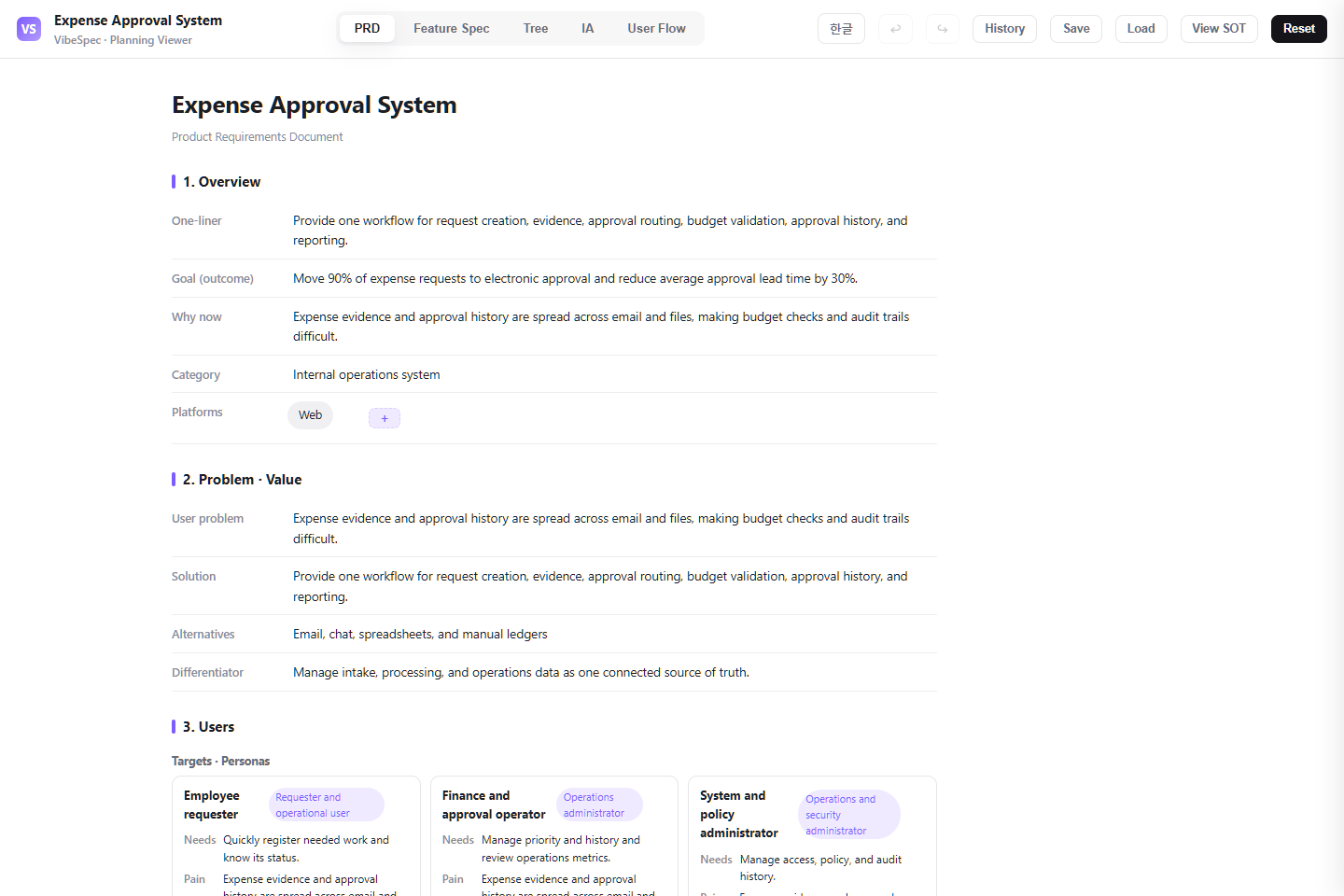 Open this screen in the live demo
 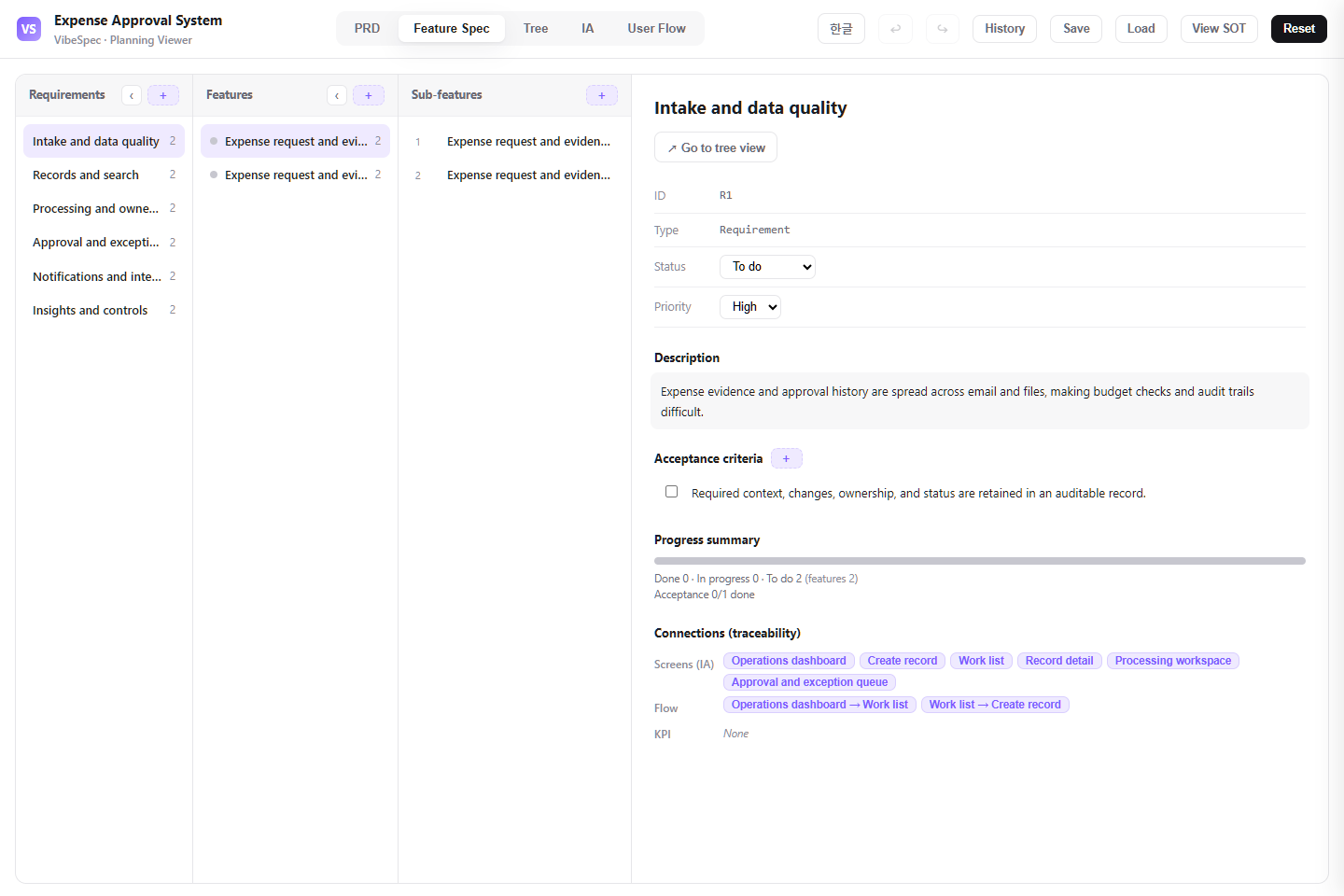 Open this screen in the live demo
 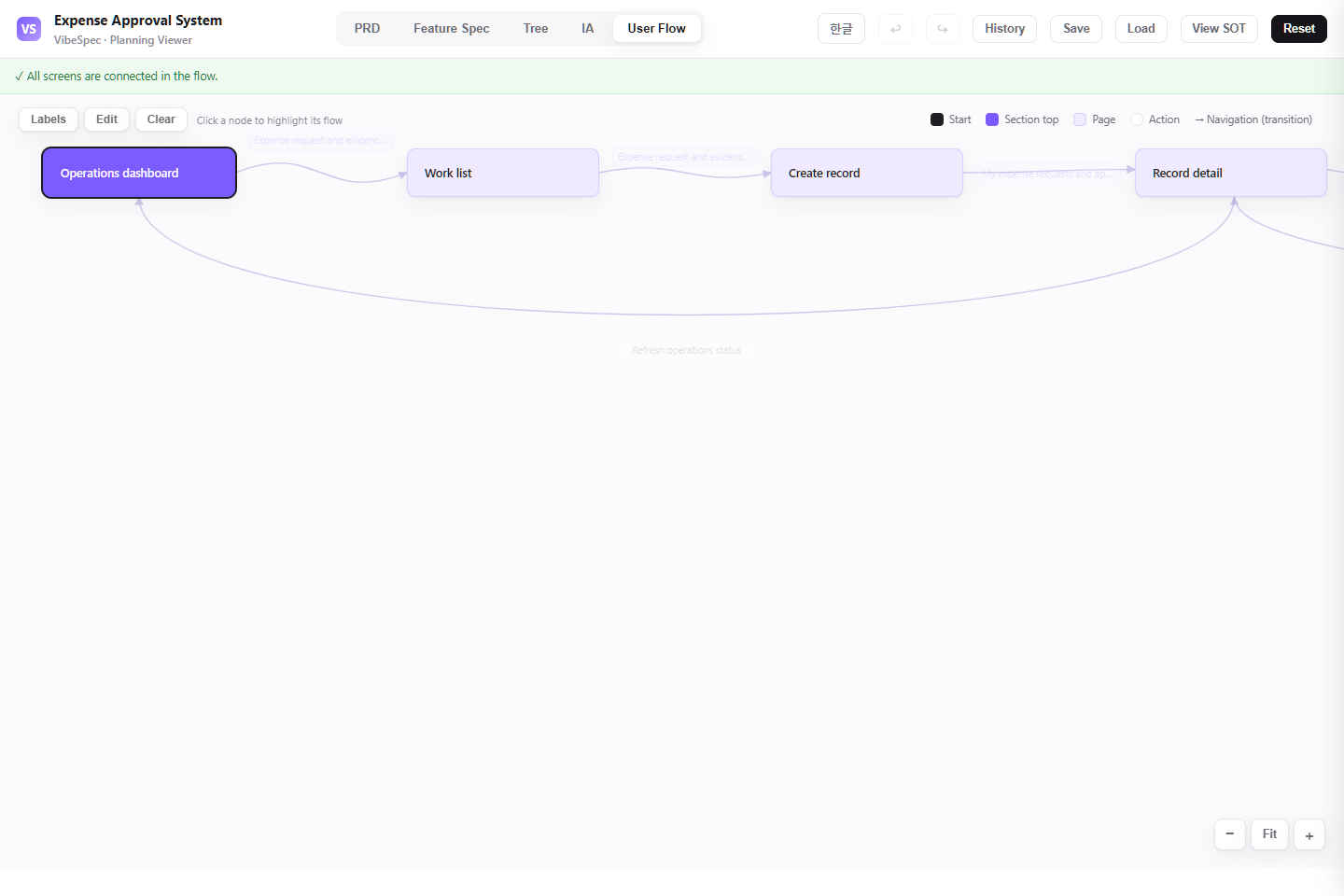 Open this screen in the live demo
 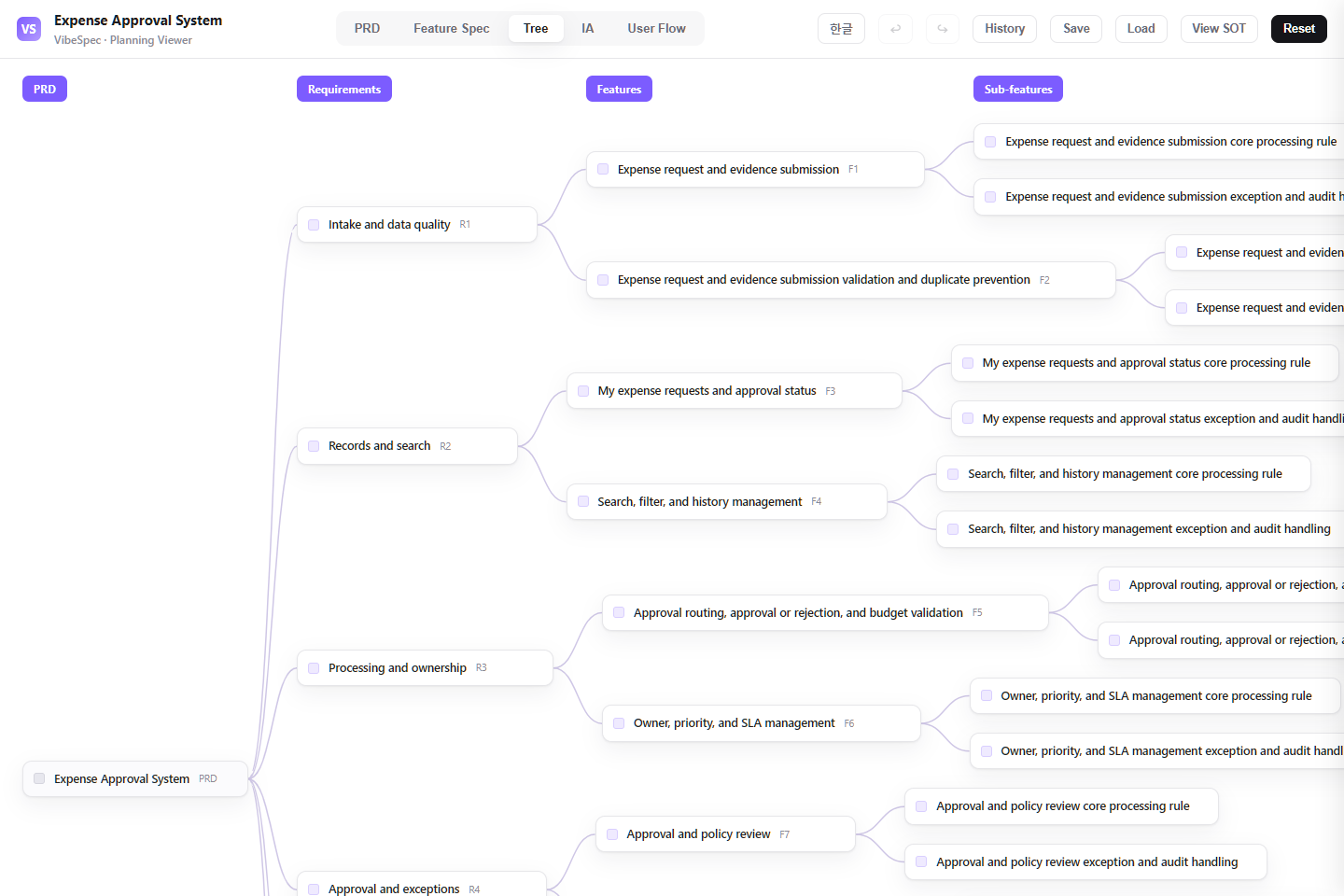 Open this screen in the live demo
 PRACTICAL GUIDE
Expense approval becomes trustworthy when a request, its evidence, policy checks, budget impact, approval decision, and accounting handoff stay connected. This SOT defines that controlled path without reducing it to a simple approve-or-reject form.
Capture expense type, amount, payee, business purpose, cost center, tax evidence, and policy exceptions before approval starts.
Determine the correct approver from amount, department, project, and policy, while showing budget availability and the reason for a rejection or return.
Preserve the request, comments, resubmissions, approval record, and the point where finance confirms payment or ERP posting.
Review spend by department and category, approval lead time, policy exceptions, pending claims, and evidence completeness for close and audit.
The download opens in a browser without setup. Compare the PRD, feature specification, screen structure, and user flow with the work your team does today.
Set spending limits, evidence requirements, approval delegation, budget-check timing, and which exceptions need finance review before changing the form.
Attach the SOT JSON in Claude or Codex with the VibeSpec plugin and describe the change in plain language. VibeSpec keeps requirements, features, screens, and user flows connected.
Translate real policy rules—receipt thresholds, restricted categories, per-diem limits, project codes, and tax treatment—into explicit validation and exception criteria.
Require an approver to name the missing evidence or policy issue and preserve the original request context so employees can correct rather than recreate it.
Decide where approval ends, who posts or pays the expense, and how payment failure or reconciliation changes appear back to the requester.
Add card-feed matching, missing-receipt reminders, and employee confirmation as a separate initiative tied to the same expense record.
Define itinerary, mileage rate, allowance, currency conversion, and manager controls before expanding into travel reimbursement.
Specify the posting owner, field mapping, retry behavior, and reconciliation status before connecting an accounting platform.
Adapt this expense approval plan for our company. Ask about categories, limits, receipt rules, approver delegation, budget owners, and accounting handoff; then update requirements, screens, and flows together.Reduce this expense system to employee requests, evidence upload, one approval route, return-for-correction, and finance completion. Move card feeds and ERP integration into separate initiatives.Create a corporate-card reconciliation initiative on top of this expense plan with transaction matching, missing-receipt reminders, employee confirmation, and finance exception handling.Yes. The complete HTML opens in a browser for review and sharing. To adapt the plan, attach the SOT JSON to Claude or Codex with the VibeSpec plugin and describe the change in plain language.
It includes expense and evidence intake, policy and budget validation, approval routing, return and resubmission handling, finance handoff, and reporting for spend, exceptions, and audit readiness.
The HTML is a complete planning document for reading and sharing. The SOT JSON is source data that VibeSpec can update while keeping requirements, features, screens, and user flows connected.
For a discrete capability such as automation, integration, or additional analytics, create and review a separate initiative before changing the product plan broadly.
WORKFLOW