Employee request portal and triage
Capture the service category, affected service, impact, urgency, device or account context, attachments, and duplicate-request signal before a ticket reaches the support queue.
FREE CLAUDE & CODEX PLUGIN TEMPLATE
A real SOT-based help desk PRD template connecting employee requests, assignment, SLA, resolution, knowledge, and operations analysis.
View source on GitHub · MIT licensed
USE CASE
IT support, workplace operations, and product builders structuring internal service requests
CONTENTS
VIBESPEC VIEWER
Each screen is generated from the public SOT included with this template.
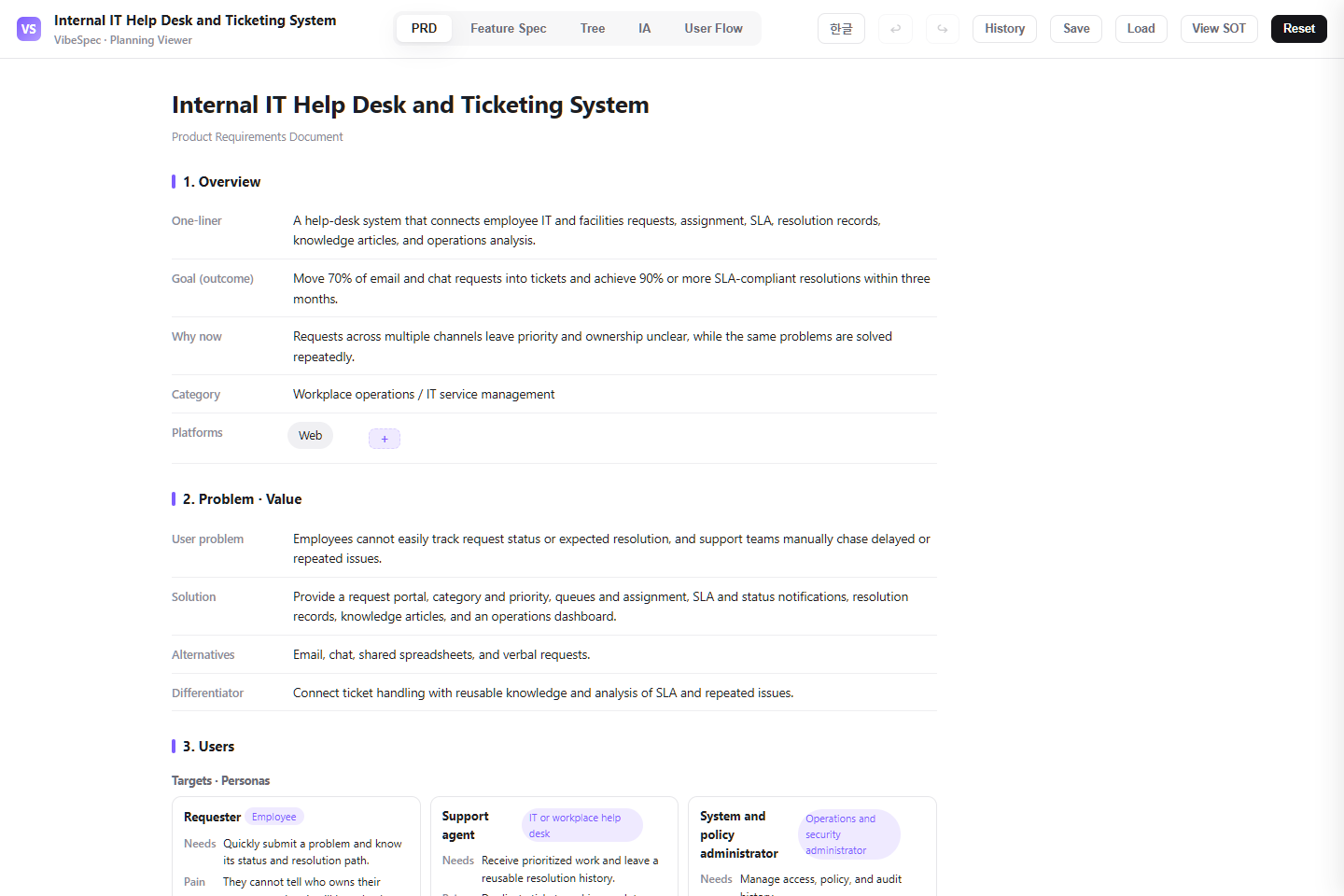 Open this screen in the live demo
 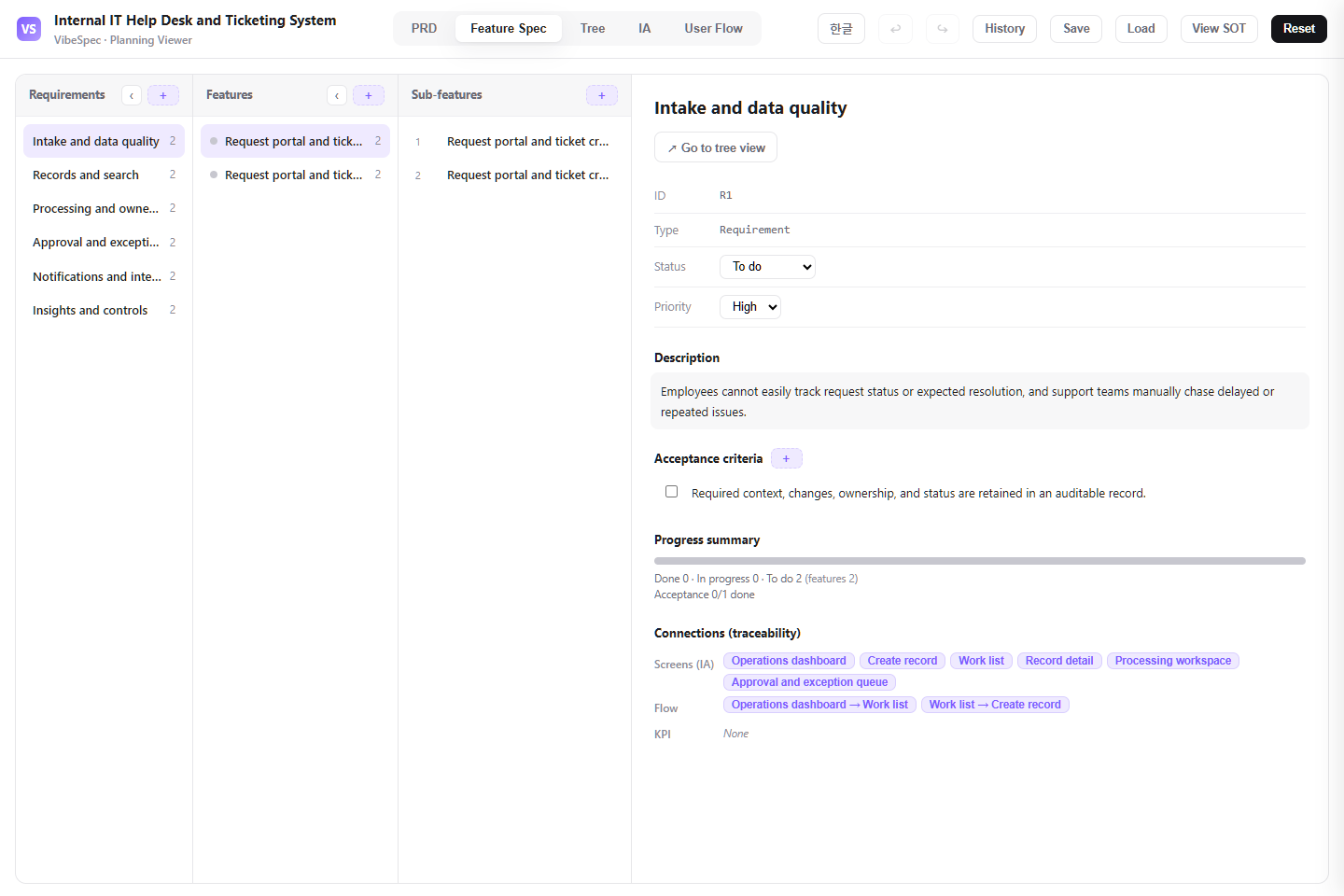 Open this screen in the live demo
 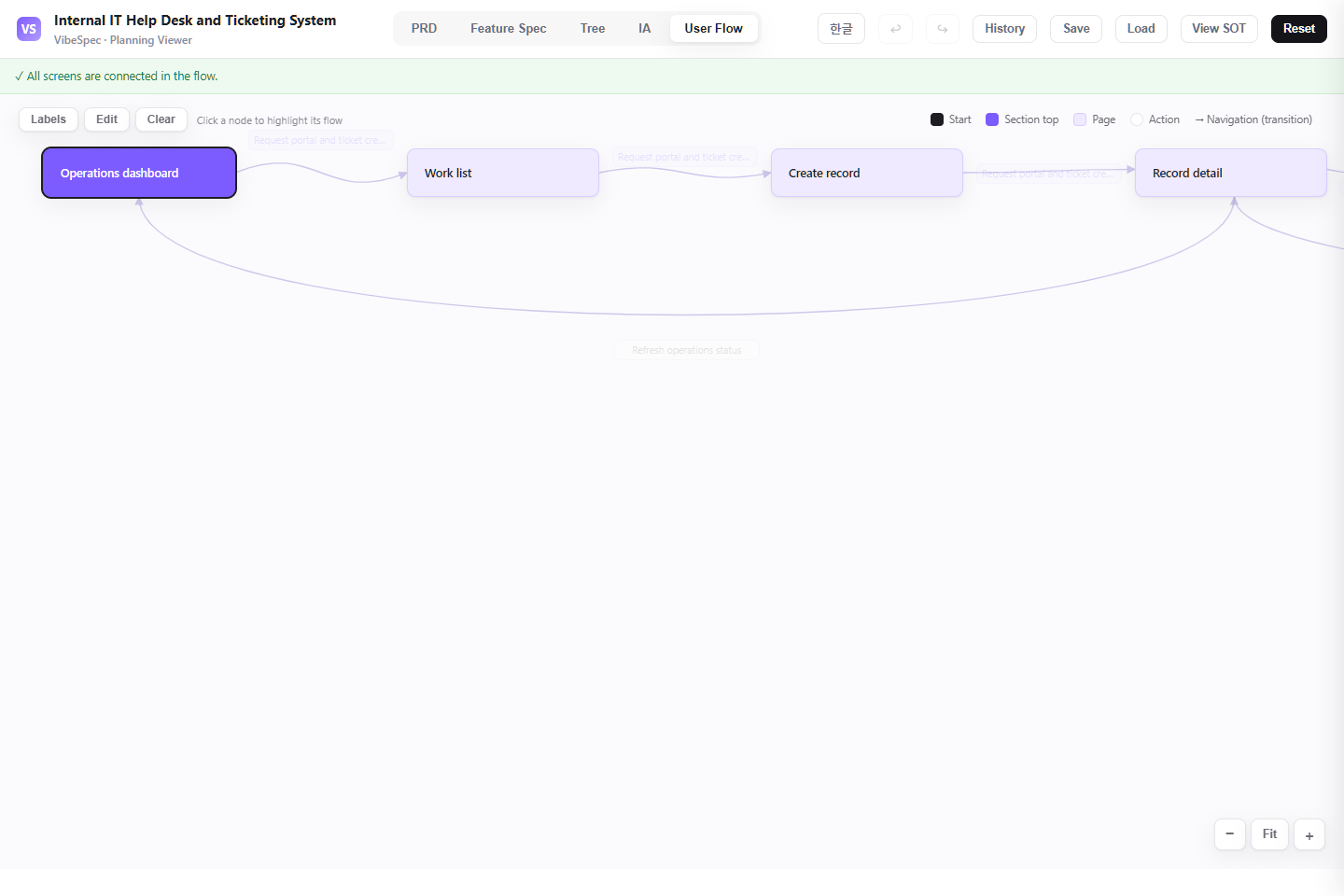 Open this screen in the live demo
 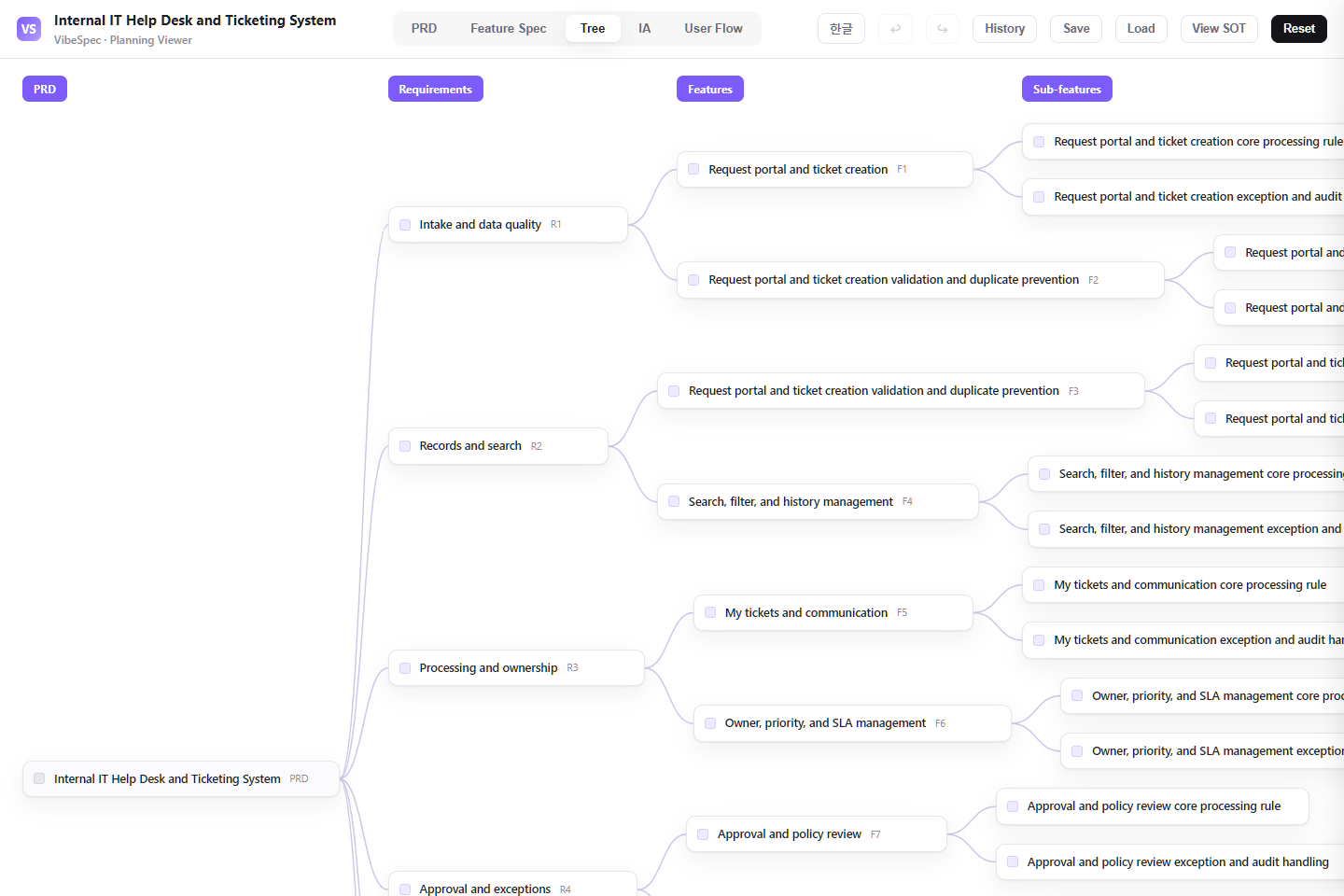 Open this screen in the live demo
 PRACTICAL GUIDE
A useful internal help desk does more than collect requests. This SOT connects employee intake, triage, ownership, SLA commitments, resolution notes, knowledge articles, and service reporting so requesters and support teams can see the same operating context.
Capture the service category, affected service, impact, urgency, device or account context, attachments, and duplicate-request signal before a ticket reaches the support queue.
Give employees one timeline for status changes, public comments, agent updates, requested information, and resolution confirmation instead of forcing them to ask for progress in chat.
Route tickets to the right queue, make escalation and reassignment visible, calculate response and resolution targets, and require a useful close reason before closure.
Link known fixes and self-service articles to recurring request types, then review volume, breach risk, reopen rate, backlog age, and resolution patterns by service.
Separate requester, agent, team-lead, and administrator permissions; preserve support actions for audit; and define the boundary to identity, asset, monitoring, and messaging systems.
The download opens in a browser without setup. Compare the PRD, feature specification, screen structure, and user flow with the work your team does today.
Define which services employees can request, what makes an incident urgent, which categories need approval, who owns each queue, and when an unresolved ticket must escalate.
Attach the SOT JSON in Claude or Codex with the VibeSpec plugin and describe the change in plain language. VibeSpec keeps requirements, features, screens, and user flows connected.
Start with the request categories employees actually understand—access, hardware, software, network, and workplace support. For each category, decide the required questions and the team that owns the first response.
Set response and resolution targets by priority, define handoff conditions, and show the owner and next deadline in every queue. A target that is not visible to an agent cannot reliably guide work.
Decide which resolved tickets should create or update a knowledge article, how requesters confirm a fix, and when a reopened ticket returns to the original owner.
Add approval routes, entitlement checks, and provisioning status for access requests while keeping the help-desk ticket as the requester-facing record.
Create a separate incident initiative for alerts that open tickets, on-call acknowledgement, stakeholder updates, and post-incident follow-up.
Attach assigned device, application, or service records to a ticket and define what happens when the source inventory is unavailable or out of date.
Adapt this internal help desk plan for our organization. First ask for our support teams, request categories, priority definitions, and required intake fields; then update the portal, queues, SLA rules, and user flows together.Reduce this help desk to an MVP for password, software, device, and access requests. Keep requester updates, queue assignment, and basic SLA tracking; move monitoring and asset integrations into later initiatives.Create a separate access-request initiative on top of this help desk plan. Include manager approval, application-owner approval where needed, provisioning status, and the handoff back to the original ticket.Yes. The complete HTML opens in a browser for review and sharing. To adapt the plan, attach the SOT JSON to Claude or Codex with the VibeSpec plugin and describe the change in plain language.
It includes an employee request portal, ticket details and conversation, queues and ownership, SLA and escalation rules, resolution and knowledge linkage, plus reporting for volume, backlog, and service performance.
The HTML is a complete planning document for reading and sharing. The SOT JSON is source data that VibeSpec can update while keeping requirements, features, screens, and user flows connected.
For a discrete capability such as automation, integration, or additional analytics, create and review a separate initiative before changing the product plan broadly.
WORKFLOW