1. Specify the requested booking
Choose a room, time range, and attendee count. Ask facilities staff which operating hours, capacity limits, and booking permissions must apply.
FREE CLAUDE & CODEX PLUGIN TEMPLATE
Plan how employees find a room, book a time, change a reservation, and receive updates. This free meeting room booking PRD is a system-planning example you can review in the browser and adapt before development.
Guide updated:
View source on GitHub · MIT licensed
USE CASE
Facilities teams, product managers, and developers planning an internal meeting room reservation system before implementation
CONTENTS
VIBESPEC VIEWER
Each screen is generated from the public SOT included with this template.
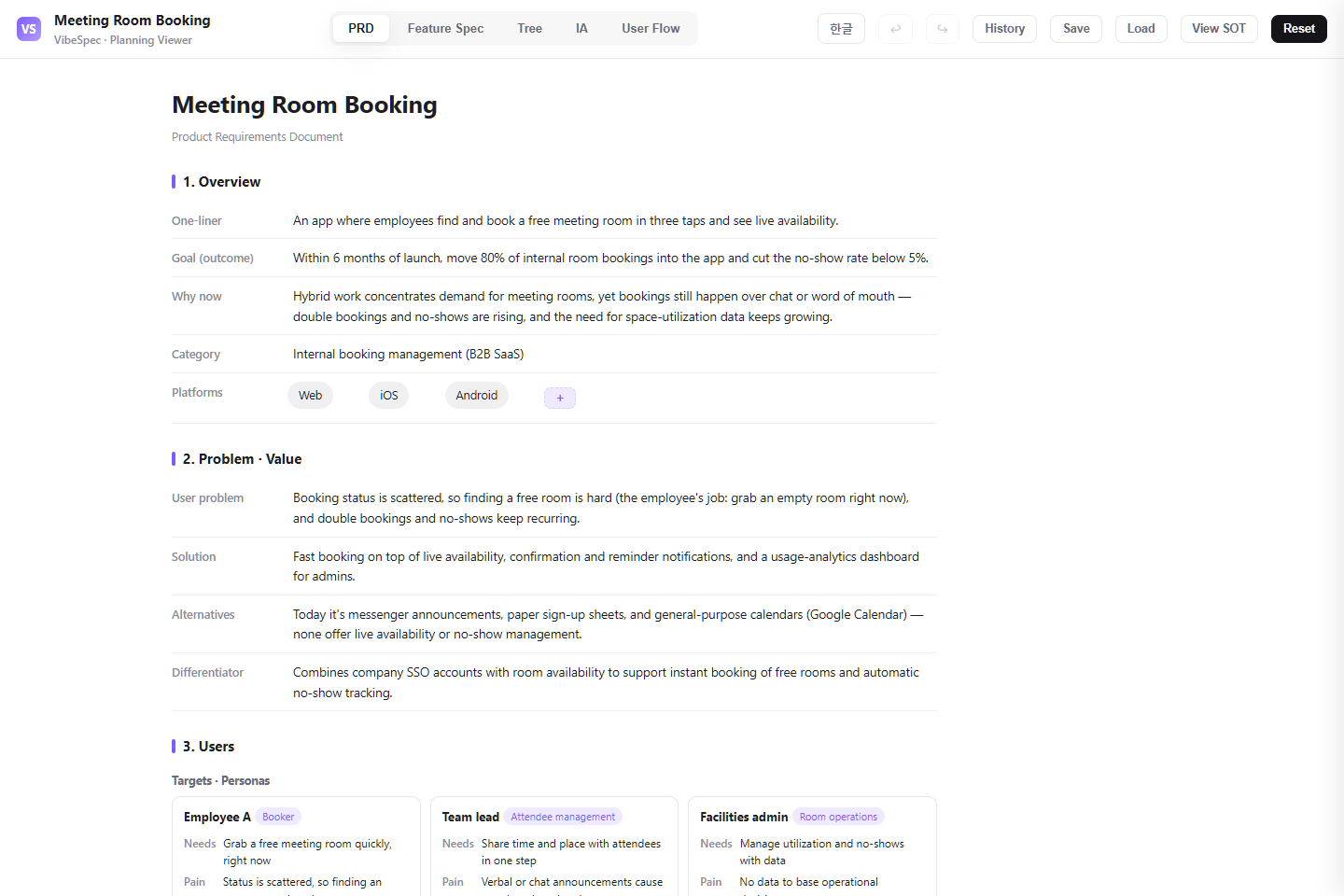 Open this screen in the live demo
 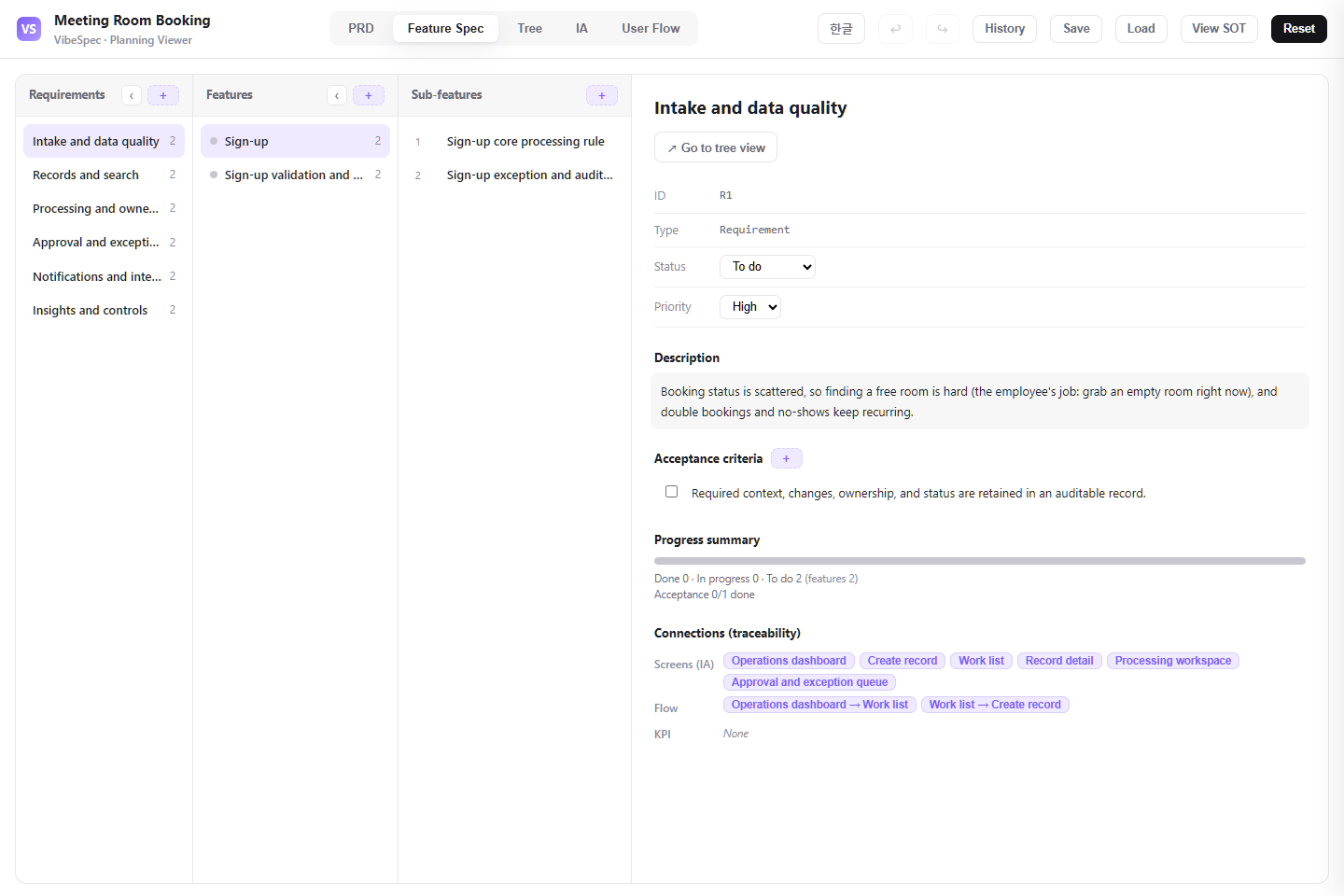 Open this screen in the live demo
 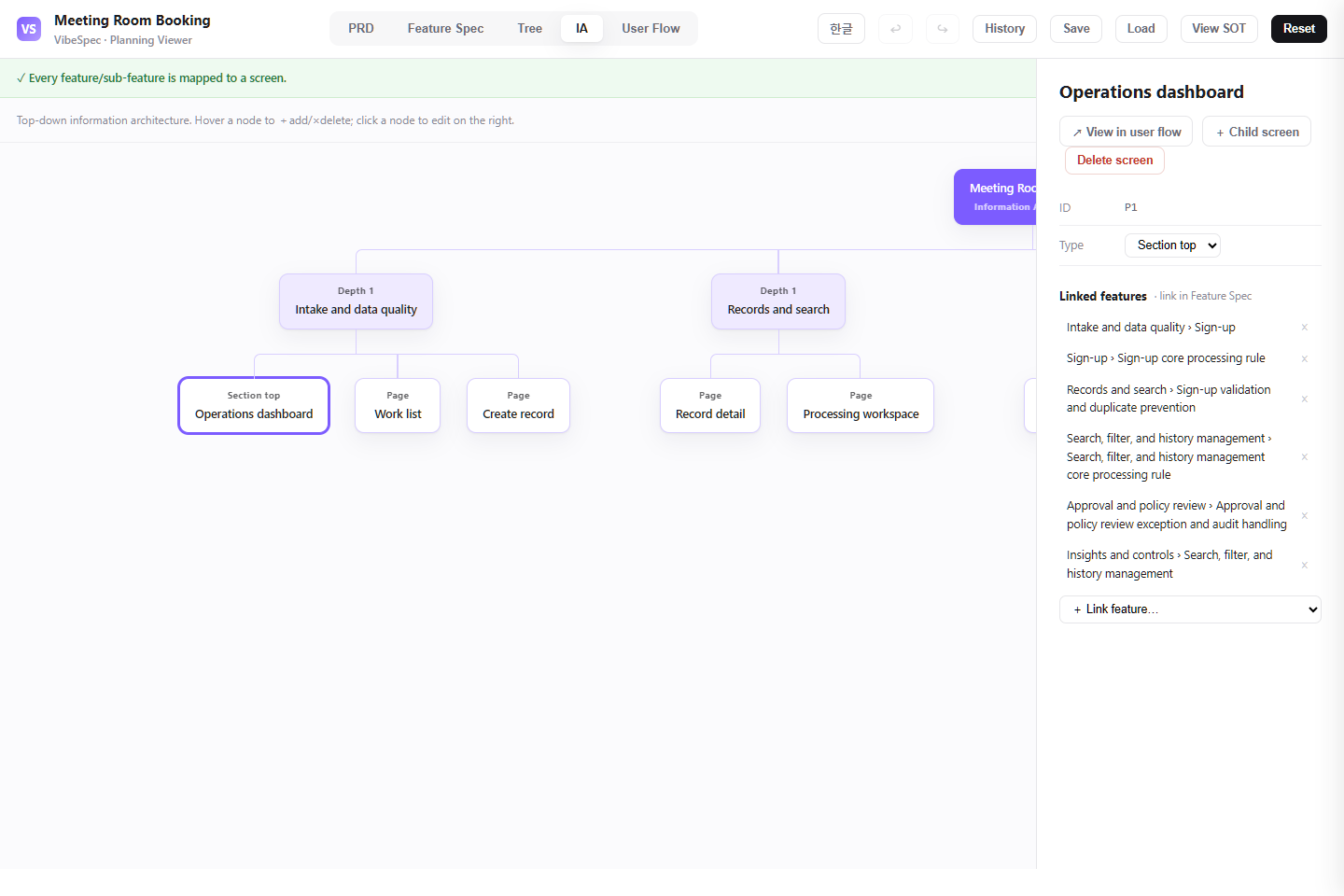 Open this screen in the live demo
 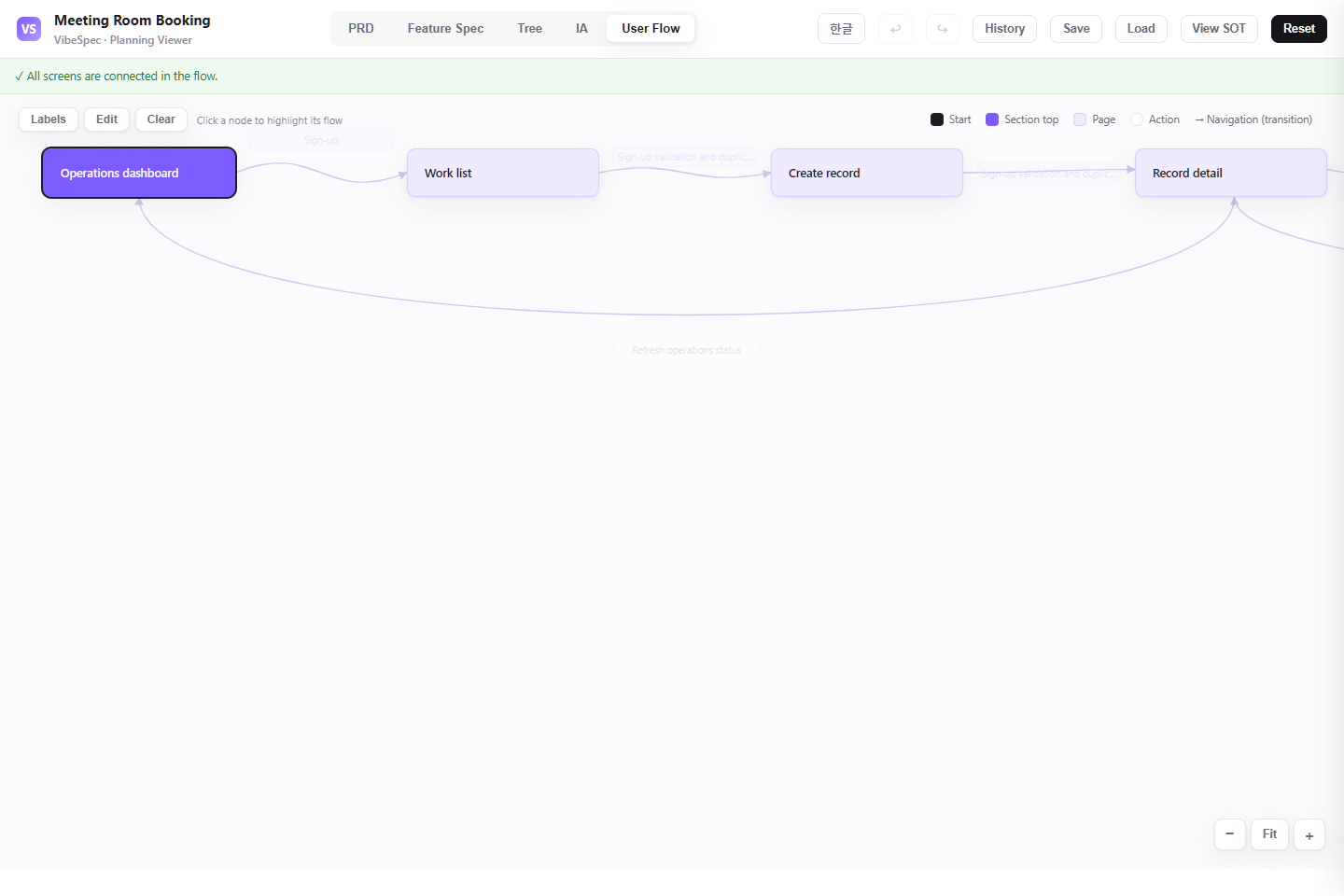 Open this screen in the live demo
 PRACTICAL GUIDE
Use the PRD to agree the booking problem, intended employees, and first-release boundaries. Then review the connected planning views with facilities staff. Decide which room policies are already described and which need to be added before asking AI to implement them. Downloadable HTML is for reviewing the plan; it does not reserve rooms or synchronize calendars.
This is a proposed review exercise, not a completed feature or measured customer result. Use it to make your workplace rules explicit in the SOT.
Choose a room, time range, and attendee count. Ask facilities staff which operating hours, capacity limits, and booking permissions must apply.
Imagine the organizer moves the meeting into an occupied time slot. Write the expected rejection message and decide whether the original booking should remain unchanged.
Decide who should receive a change or cancellation notice and what happens if delivery fails. Ask VibeSpec to add the agreed rules to the relevant requirements, screens, and flow; review the result before implementation.
Define email or social sign-up, employee-ID verification and department mapping, login, and password recovery for internal room-booking access.
Connect room and time selection, attendee capacity, confirmation notifications, personal booking lists, weekly calendar review, and changes or cancellations.
Let administrators manage location, photos, capacity, equipment, availability hours, live room usage, remaining time, and the next booking.
Define pre-meeting reminders, change and cancellation notices, per-room utilization, and no-show and cancellation reporting.
The downloaded HTML opens in a browser without setup. Review the PRD, feature specifications, information architecture, and user flows with workplace operations, IT, and employee representatives.
Decide bookable hours, maximum duration, room equipment, capacity, cancellation limits, approval cases, and no-show policy before changing the plan.
Attach the SOT JSON in a Claude or OpenAI Codex conversation with the VibeSpec plugin and describe the policy change in plain language. VibeSpec can preserve the connection among requirements, features, screens, and user flows.
Replace locations, equipment, capacity, availability, booking increments, advance-booking windows, and room-specific restrictions with your real policies.
Turn double-booking, recurring reservations, same-day cancellations, approvals, and team priority rules into acceptance criteria instead of unwritten operational practice.
Review what happens after an employee books a room and how an operator responds to room status. When you add a policy or screen, connect its feature and user-flow transition too.
Create a separate initiative for Google Calendar or Microsoft 365 synchronization, privacy boundaries, two-way conflicts, and disconnect behavior.
Add QR or tablet check-in, a grace period, reminder-before-release behavior, automatic room release, and an audit trail as one coherent capability.
Extend the plan with repeat duration limits, approval rules for premium rooms, team booking limits, and exception handling.
Adapt this meeting room booking system plan for a 30-person office. Keep login, room and time selection, my bookings, cancellation, and basic operations status; move social login and advanced reporting out of scope.Create a separate initiative on top of this meeting room booking product plan for QR check-in and automatic no-show release. Keep the connection to the existing my bookings, live status, and notification settings screens.Our employees can book rooms in 30-minute increments for up to two hours, and executive rooms require approval. Review this plan and identify the requirements, acceptance criteria, screens, and user flows that should change.Yes. The complete HTML opens in a browser for review and sharing. To adapt it, attach the SOT JSON to a conversation with the VibeSpec plugin and describe the change in plain language.
It includes account access, booking creation and changes, room registration and live status, notification settings, and operations dashboards for utilization, no-shows, and cancellations.
The HTML is the complete PRD for reading and sharing. The SOT JSON is the source data VibeSpec can update while keeping requirements, features, screens, and user flows connected.
The source template defines the core booking and operations flow. Treat calendar synchronization, QR check-in, and automatic release as separate initiatives so their policy and integration scope can be reviewed safely.
It is a PRD and requirements-planning example. The browser demo and HTML download display the plan; they do not accept live reservations. Use SOT JSON to adapt the scope with VibeSpec. A deployed booking application, calendar integration, and operating data storage require separate implementation.
WORKFLOW