Project, work-item, and milestone setup
Create a project with a clear outcome, delivery window, owner, work breakdown, milestones, and a small set of fields that make work comparable across teams.
FREE CLAUDE & CODEX PLUGIN TEMPLATE
A real SOT-based Project Management System PRD template connecting project and work-item creation, work, milestone, and progress lookup, assignment, schedule change, and issue handling, schedule, risk, and completion reporting.
View source on GitHub · MIT licensed
USE CASE
Teams designing an internal operations system for project team member and project manager and pmo
CONTENTS
VIBESPEC VIEWER
Each screen is generated from the public SOT included with this template.
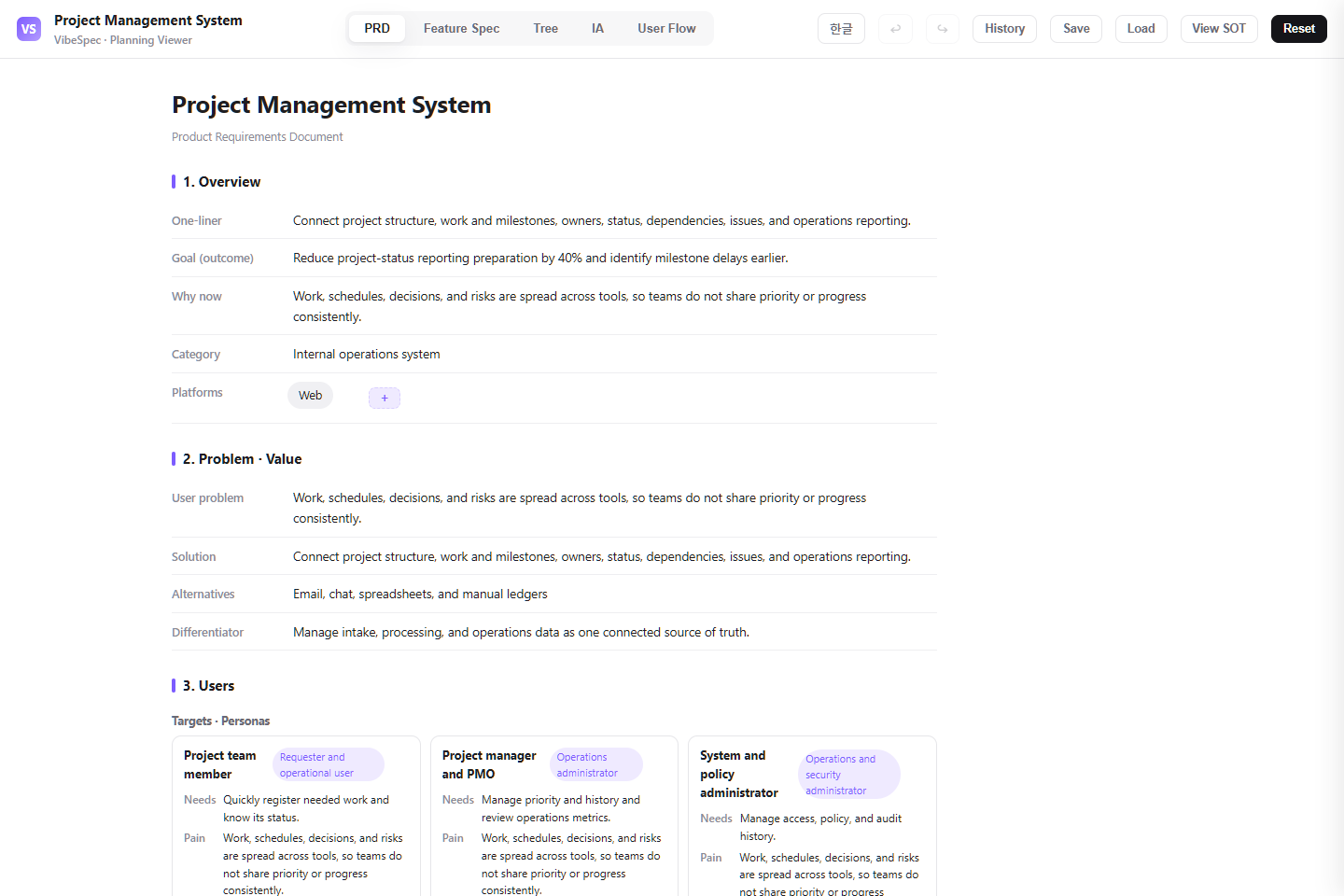 Open this screen in the live demo
 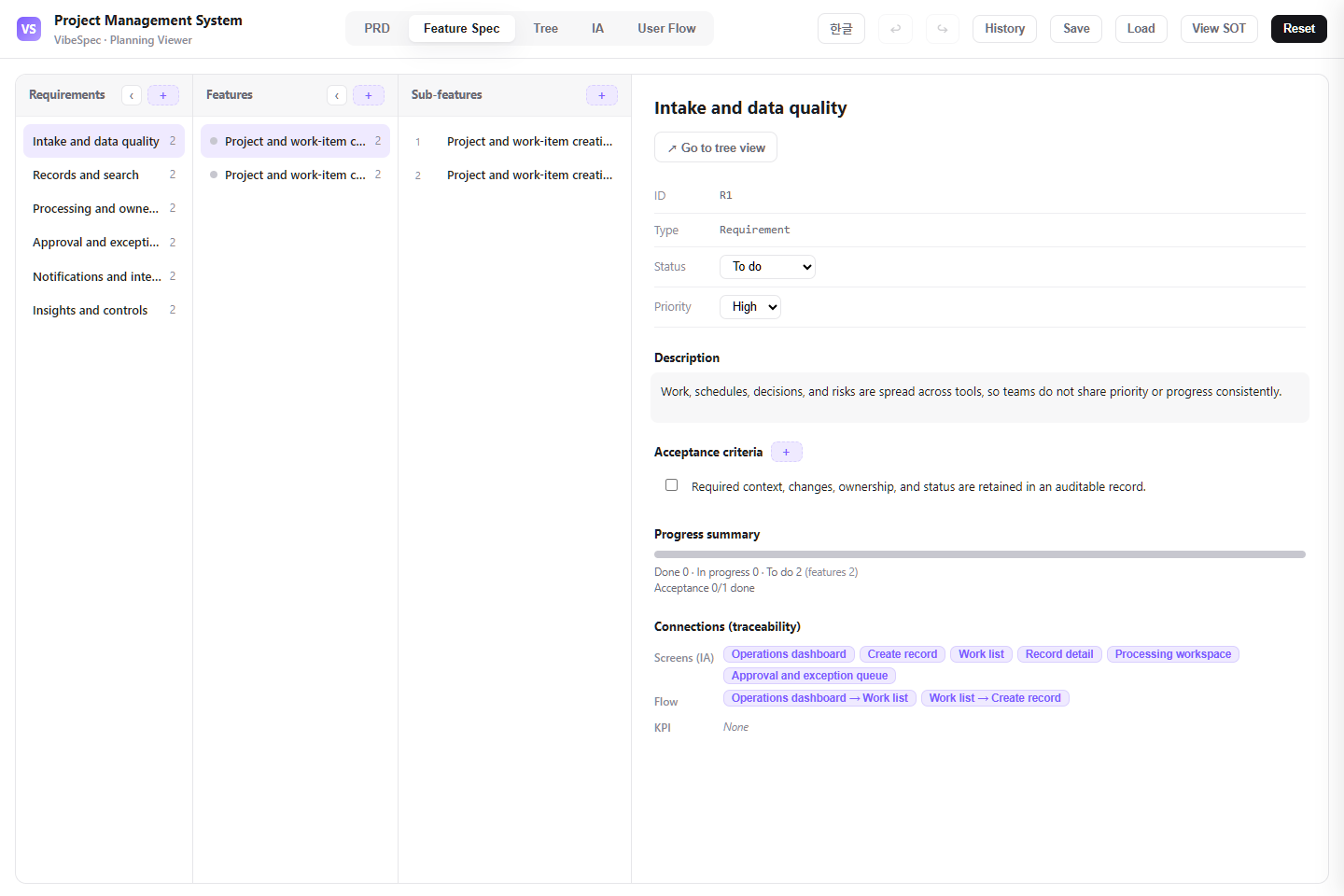 Open this screen in the live demo
 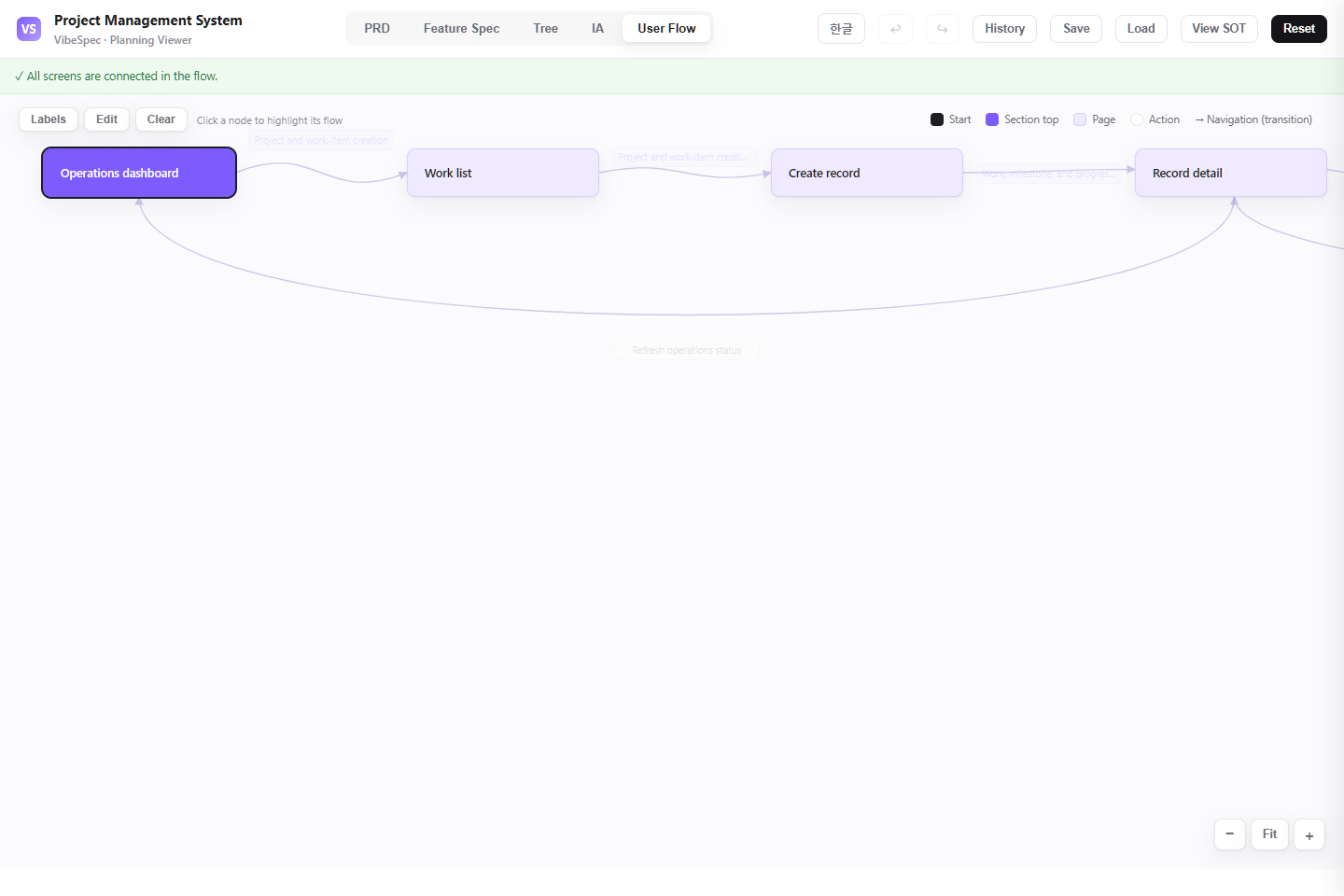 Open this screen in the live demo
 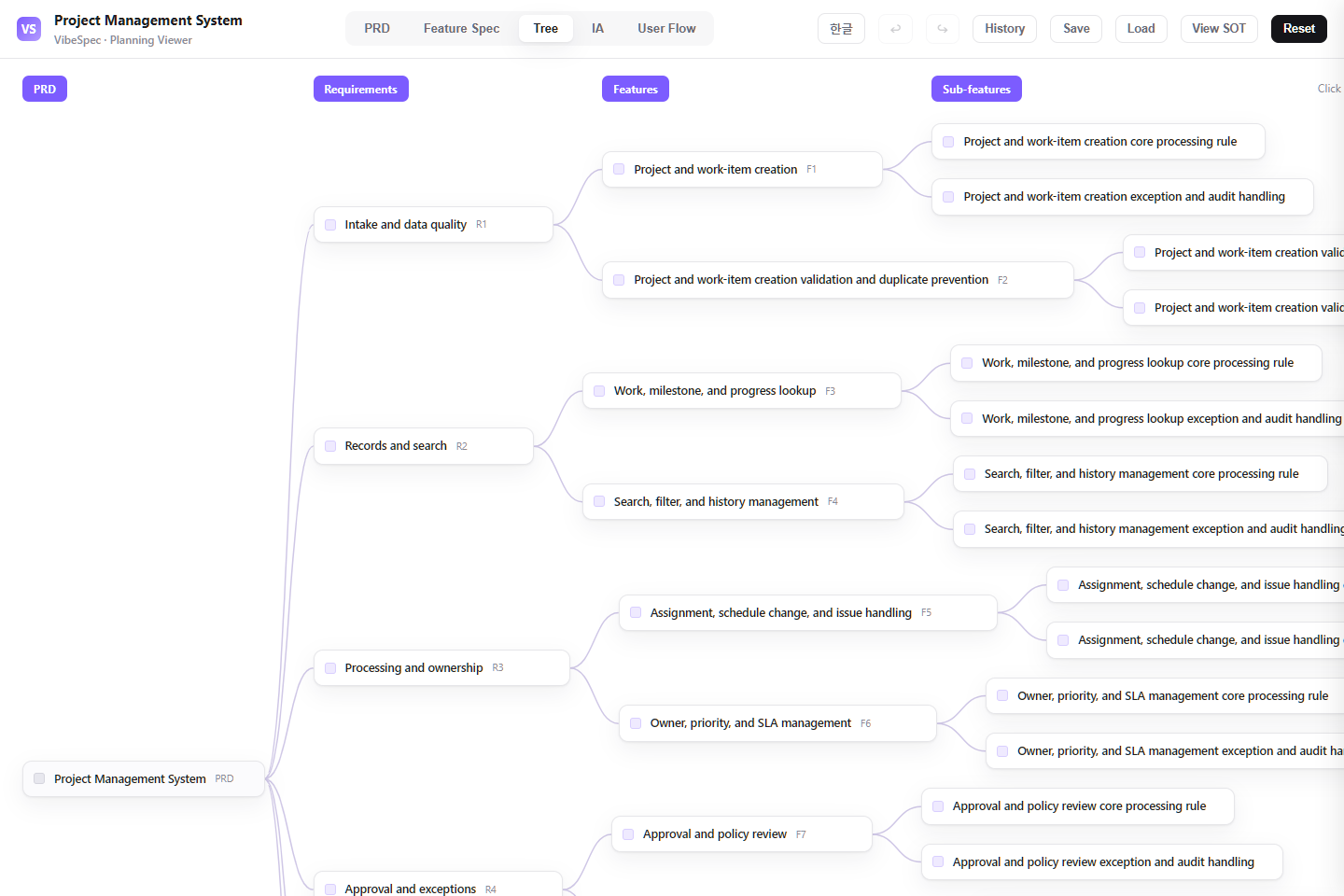 Open this screen in the live demo
 PRACTICAL GUIDE
A project system only creates clarity when the plan, work, decisions, and delivery risk stay connected. This SOT brings projects, work items, milestones, ownership, schedule changes, blockers, and completion reporting into one reviewable operating plan.
Create a project with a clear outcome, delivery window, owner, work breakdown, milestones, and a small set of fields that make work comparable across teams.
Let contributors move between a work-item list, board, calendar, and project timeline without losing the parent milestone, current status, due date, dependency, or decision history.
Make changes to owners and dates explicit, capture the reason for a blocked item, and route decisions that affect a milestone or committed delivery date to the right owner.
Show work due soon, blocked work, milestone confidence, scope change, and completion trends so a project lead can act before a status report becomes a surprise.
Separate contributor, project-lead, portfolio, and administrator access; retain decision history; and define where GitHub, Jira, calendar, or chat data is authoritative.
The download opens in a browser without setup. Compare the PRD, feature specification, screen structure, and user flow with the work your team does today.
Agree on what counts as a project, milestone, task, blocker, dependency, and done; then decide who may change dates, close work, or approve a scope change.
Attach the SOT JSON in Claude or Codex with the VibeSpec plugin and describe the change in plain language. VibeSpec keeps requirements, features, screens, and user flows connected.
Map the template’s project, work item, milestone, status, priority, and risk labels to your existing planning language before importing every possible workflow.
Define which schedule changes require a reason, an approver, or an update to dependent work. This prevents a healthy-looking timeline from hiding delivery risk.
If engineering uses GitHub and the business team uses this system, decide whether status, estimates, and completion are synchronized, linked, or manually confirmed.
Add cross-project priorities, team capacity, staffing assumptions, and scenario comparison without turning the core work-item flow into a portfolio spreadsheet.
Create an initiative for dependency maps, release gates, change windows, and go/no-go decisions connected to milestones and risks.
Define the sync direction, field mapping, failure handling, and ownership boundaries before connecting GitHub, Jira, Linear, or calendar events.
Adapt this project management plan for our team. Ask whether we use Scrum, Kanban, milestones, or a hybrid approach; then update statuses, roles, planning views, and user flows without losing reporting context.Reduce this project system to projects, work items, owners, due dates, milestones, and blocked-work reporting for a ten-person team. Move portfolio planning and external integrations into separate initiatives.Create a release-governance initiative on top of this project plan. Include release readiness, dependency checks, change approval, a go/no-go decision, and the connection back to project milestones.Yes. The complete HTML opens in a browser for review and sharing. To adapt the plan, attach the SOT JSON to Claude or Codex with the VibeSpec plugin and describe the change in plain language.
It includes project and work-item setup, milestones, list and timeline context, assignment and schedule-change handling, blocker and risk management, and reporting for delivery confidence and completion.
The HTML is a complete planning document for reading and sharing. The SOT JSON is source data that VibeSpec can update while keeping requirements, features, screens, and user flows connected.
For a discrete capability such as automation, integration, or additional analytics, create and review a separate initiative before changing the product plan broadly.
WORKFLOW