1. Establish impact and authority
Choose an affected service and describe the user impact. Agree who assigns severity and who may change it as new evidence arrives.
FREE CLAUDE & CODEX PLUGIN TEMPLATE
Design an incident management system around the decisions responders need to make: impact, severity, ownership, escalation, recovery, and follow-up. This free PRD example helps you review the workflow before building or integrating tools.
Guide updated:
View source on GitHub · MIT licensed
USE CASE
Platform teams, SREs, service owners, and product managers specifying an incident coordination system or an extension to their existing tooling
CONTENTS
VIBESPEC VIEWER
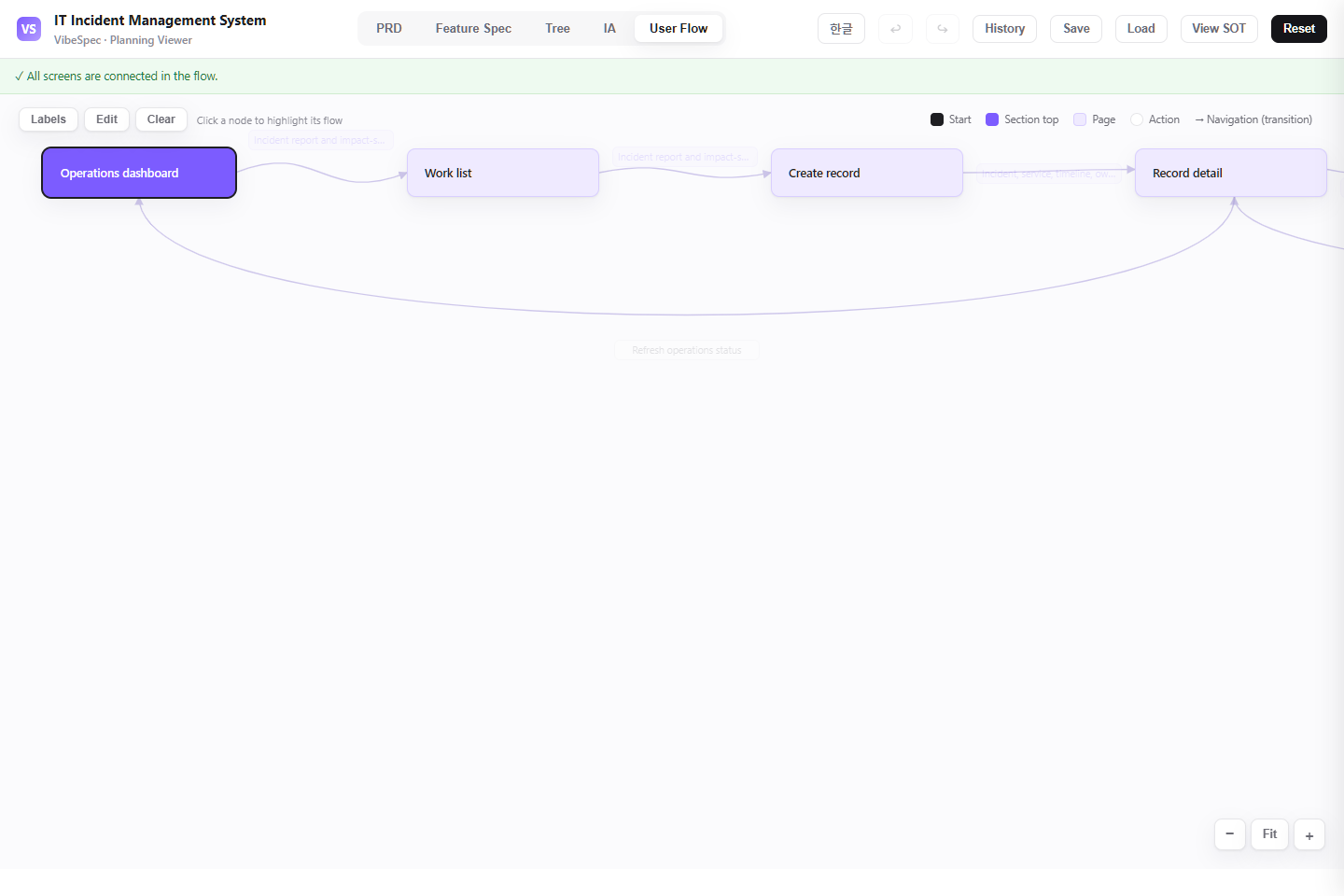
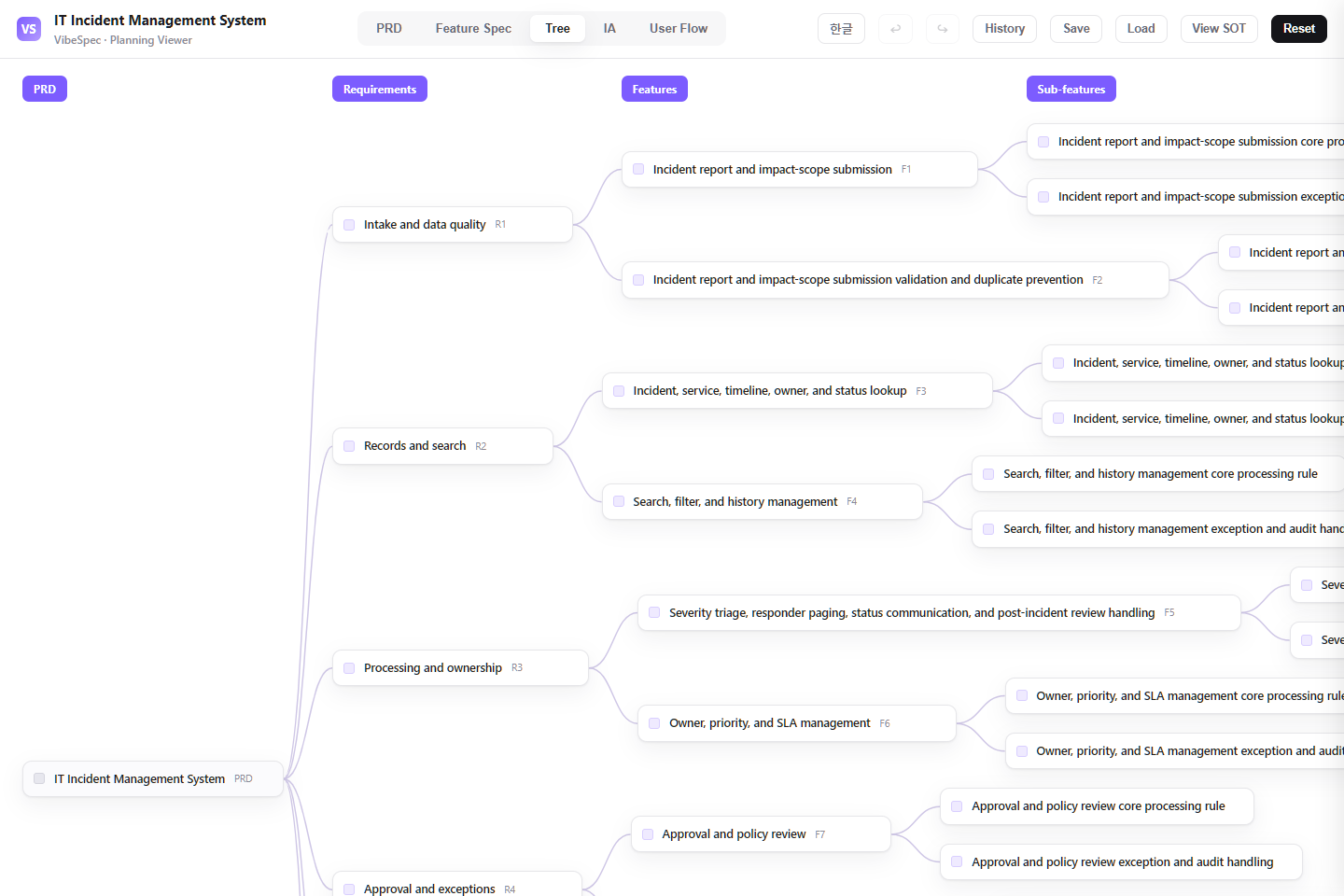
Each screen is generated from the public SOT included with this template.
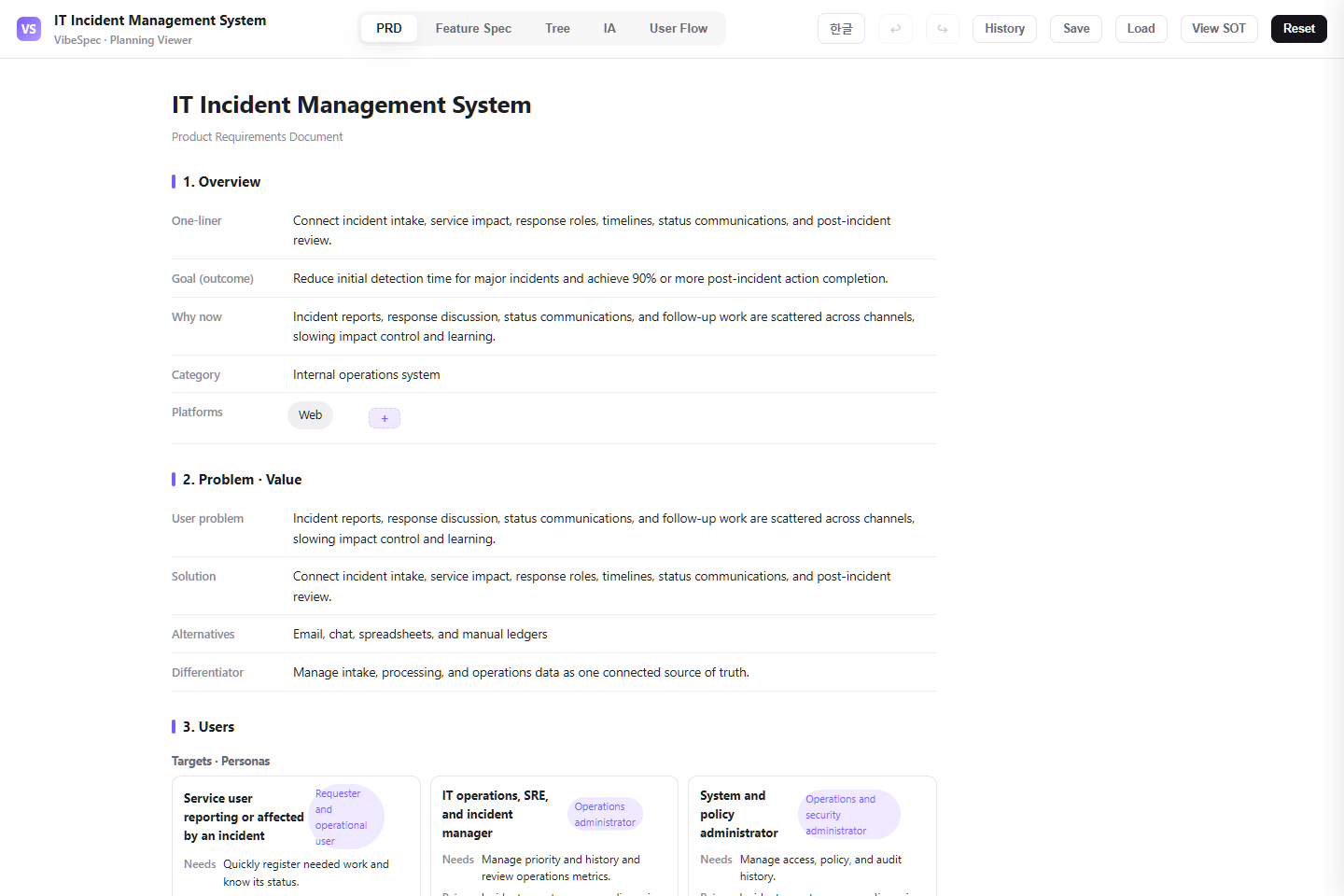 Open this screen in the live demo
 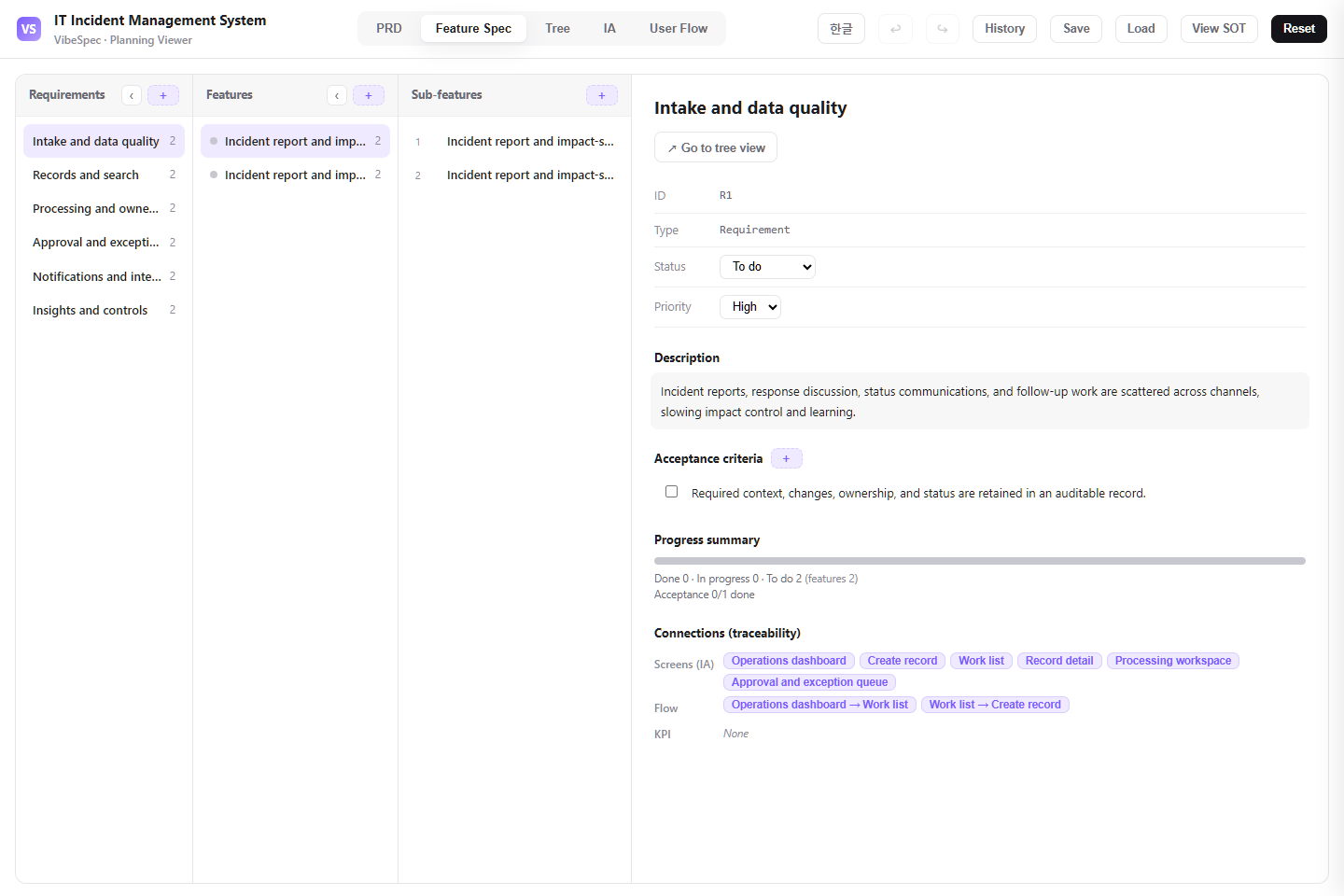 Open this screen in the live demo
  Open this screen in the live demo
  Open this screen in the live demo
 PRACTICAL GUIDE
An incident report records what happened; this PRD helps define the system that coordinates the response. Review impact assessment, ownership, escalation, stakeholder updates, and follow-up as connected planning decisions. Adapt the example to your team's severity definitions and service boundaries before implementing integrations or relying on it in an incident.
A proposed planning exercise, not a live incident simulation or reliability result. Use it to test whether the requirements describe an unambiguous handoff.
Choose an affected service and describe the user impact. Agree who assigns severity and who may change it as new evidence arrives.
Imagine the current responder goes off shift before recovery. Specify the receiving owner, the acknowledgement required, and where the next action and latest update remain visible.
Record what evidence permits recovery to be marked complete and who owns unresolved follow-up work. Ask VibeSpec to propose acceptance criteria for these rules and review them with the service owner.
Capture the affected service, customer impact, severity, evidence, start time, and related alerts before a response is declared.
Make the incident commander, technical owner, communications owner, decisions, investigation steps, and recovery milestones visible in one time-ordered record.
Route the right page to on-call teams, define acknowledgement and escalation targets, and publish audience-specific updates without exposing internal investigation detail.
Record mitigation, restoration, customer confirmation, root-cause follow-up, action owners, and due dates so a resolved incident produces measurable improvement.
The download opens in a browser without setup. Compare the PRD, feature specification, screen structure, and user flow with the work your team does today.
Define severity by customer and service impact, who may declare or close an incident, the on-call escalation path, update cadence, and the conditions for a post-incident review.
Attach the SOT JSON in Claude or Codex with the VibeSpec plugin and describe the change in plain language. VibeSpec keeps requirements, features, screens, and user flows connected.
Write severity criteria in terms of users, revenue, safety, compliance, and service degradation—not vague labels alone.
Give incident command, technical investigation, and external communication explicit ownership so urgent work and updates do not compete.
Connect corrective actions to the owner, service, target date, and release or change process that proves the action was completed.
Add alert grouping, noise suppression, service ownership, and automated incident creation as a separate initiative.
Define approval, message templates, localization, and recovery notices before publishing customer-facing status updates.
Extend recurring incident patterns into problem records, error budgets, and reliability improvement planning.
Adapt this incident plan for our organization. Ask about services, severity definitions, on-call teams, communication audiences, and review requirements; then update the SOT together.Reduce this incident system to detection, declaration, incident roles, timeline, stakeholder updates, recovery, and follow-up actions. Move alert correlation and public status pages into separate initiatives.Create a status-communication initiative with approved messages, update cadence, customer audiences, localization, recovery confirmation, and links back to the incident record.Yes. The complete HTML opens in a browser for review and sharing. To adapt the plan, attach the SOT JSON to Claude or Codex with the VibeSpec plugin and describe the change in plain language.
It includes detection and severity assessment, incident roles and timeline, on-call escalation, stakeholder updates, recovery tracking, and follow-up actions for reliability improvement.
The HTML is a complete planning document for reading and sharing. The SOT JSON is source data that VibeSpec can update while keeping requirements, features, screens, and user flows connected.
For a discrete capability such as automation, integration, or additional analytics, create and review a separate initiative before changing the product plan broadly.
No. This is a system requirements and PRD example. An incident report documents a particular event, and a runbook contains operational response instructions. Use this plan to define how your system should capture records and coordinate responders; validate real escalation procedures and integrations separately.
WORKFLOW